
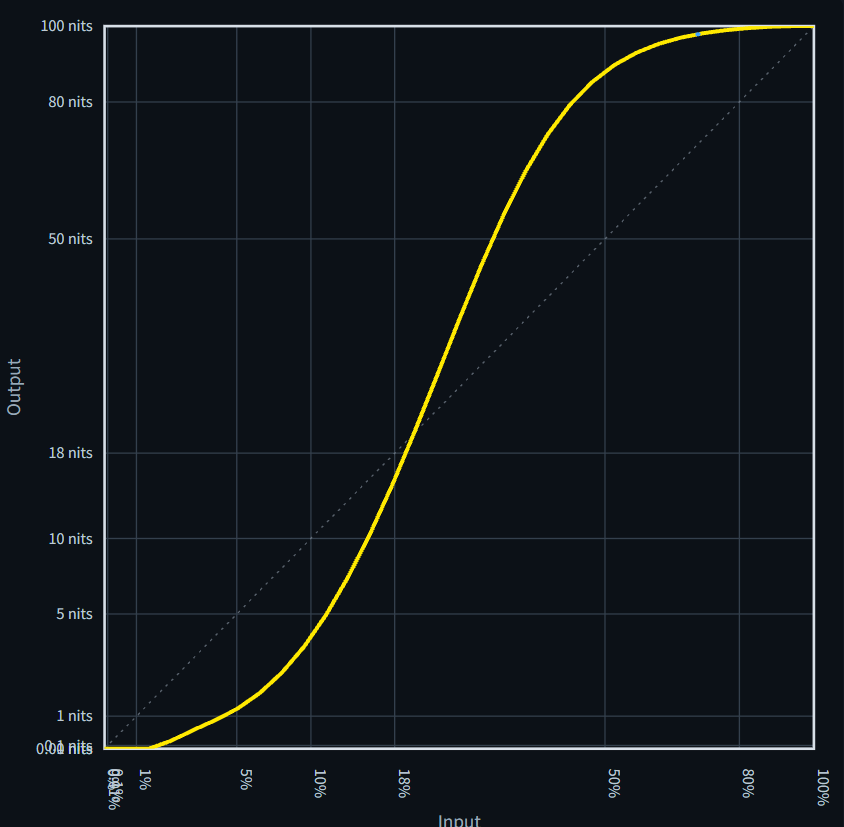
Exporting color space transforms or grading looks as LUTs is extremely useful, as they can be applied across cameras and a wide range of software applications.
However, a LUT file itself is simply a table of numerical values. Looking at the file alone does not tell you what kind of color transformation it performs—or whether there are any potential issues with the quality of that transformation.
Simply Applying a LUT to an Image Is Not Enough
One way to evaluate a LUT is to apply it to actual images. However, even if no issues are visible in one image, that does not mean the LUT will perform correctly with every image.
Depending on the image content, certain characteristics or problems in the LUT may be difficult to detect.
That is why we recommend performing a technical LUT check.
Visualizing LUT Transform Characteristics
The most basic way to evaluate a LUT is to graph how it transforms a grayscale ramp.
You can then use 3D visualization and cross-sectional slices to examine the transformation characteristics of the LUT as a whole.
With the LUT Analysis tool available on this website, simply upload a LUT and these analyses are performed automatically.
Gray Scale
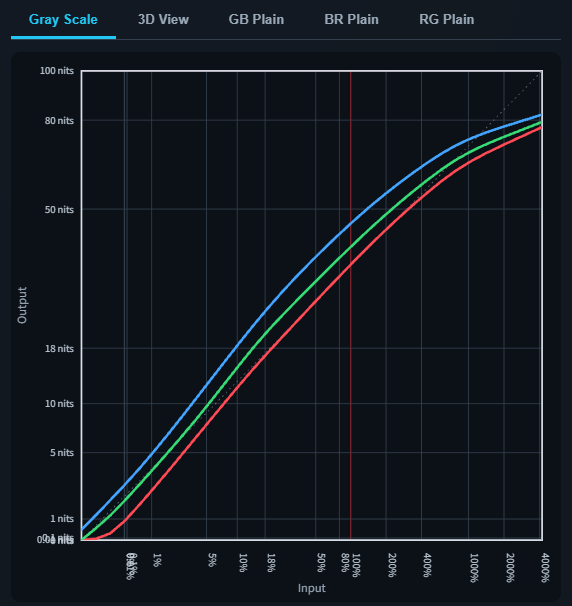
The Gray Scale tab shows how the LUT transforms a grayscale input.
The graph makes it easy to identify potential issues such as:
- Tonal reversals
- Unintended clipping in the shadows or highlights
- Unwanted color shifts
- Irregular or non-smooth changes in output values
3D View
The 3D View tab provides a three-dimensional visualization of the LUT transform.
You can freely rotate the graph to examine the overall smoothness of the transformation and identify any regions where abrupt or extreme changes may occur.
GB Plane, BR Plane, RG Plane
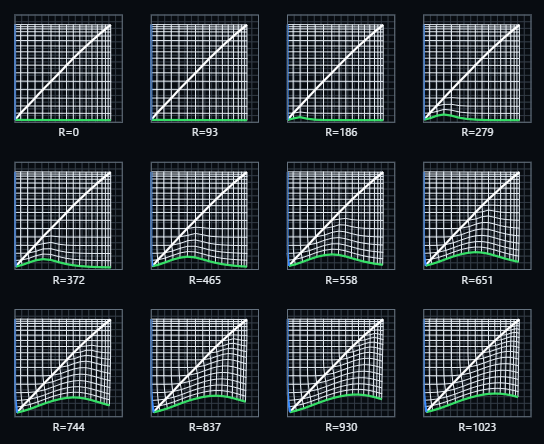
The GB Plane, BR Plane, and RG Plane tabs show cross-sectional views of the 3D LUT.
By examining different regions of the LUT as 2D slices, you can identify potential anomalies or discontinuities within the transform.
Try It with Preset LUTs
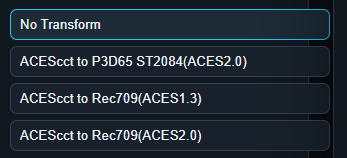
The LUT Analysis tool includes four preset LUTs, including an identity LUT.
You can explore all of the analysis features without preparing or uploading your own LUT file. If you are interested in technical LUT evaluation, feel free to give it a try.