
Is Your LED Wall Displaying the Right Colors?
Is Your Camera Capturing Them as Intended?
Color management is essential in ICVFX, where the LED wall becomes part of the captured image. It requires accurate color reproduction on the LED system, a properly managed color pipeline for background content, and an understanding of the differences between human and camera vision—with camera-specific calibration applied when necessary.
LED System Color Reproduction Verification
LED systems used for ICVFX backgrounds are typically calibrated to ST 2084 (PQ), which represents luminance in absolute terms. Ensuring that the LED wall accurately reproduces the intended colors is the essential starting point for a reliable ICVFX color pipeline.
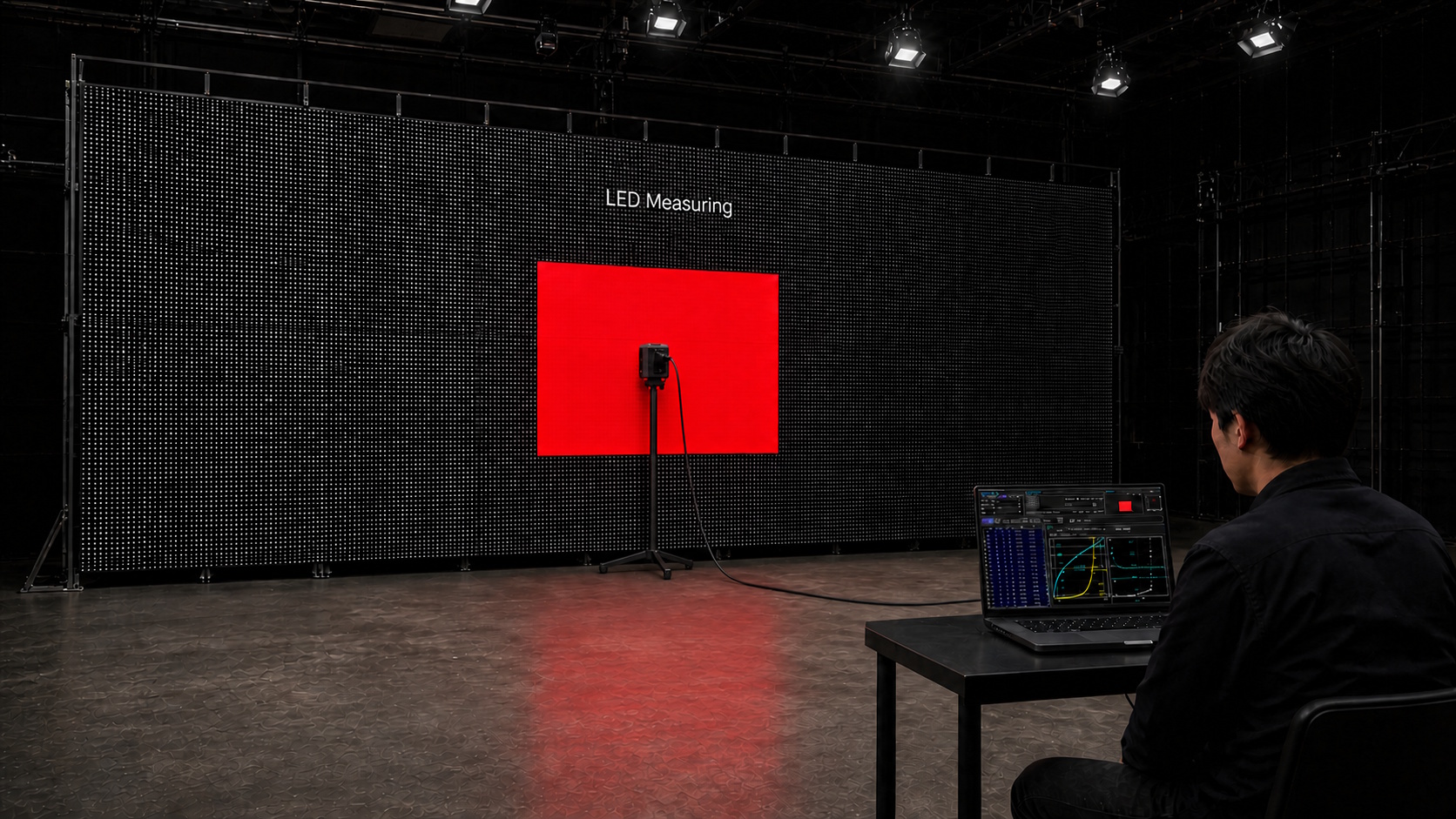
- Generation of color patch images for measurement
- Measurement of grayscale and primary colors
- Troubleshooting and analysis when measured results do not meet the target specifications
While we do not provide calibration services directly, we can support and guide the calibration process using the built-in calibration capabilities of your LED system controller.
Color Pipeline for Background Content
For ICVFX background content, it is important to use scene-referred imagery with as much dynamic range as possible. Any color correction or grading should also be performed within a properly managed color pipeline that preserves scene-linear image data throughout the process.
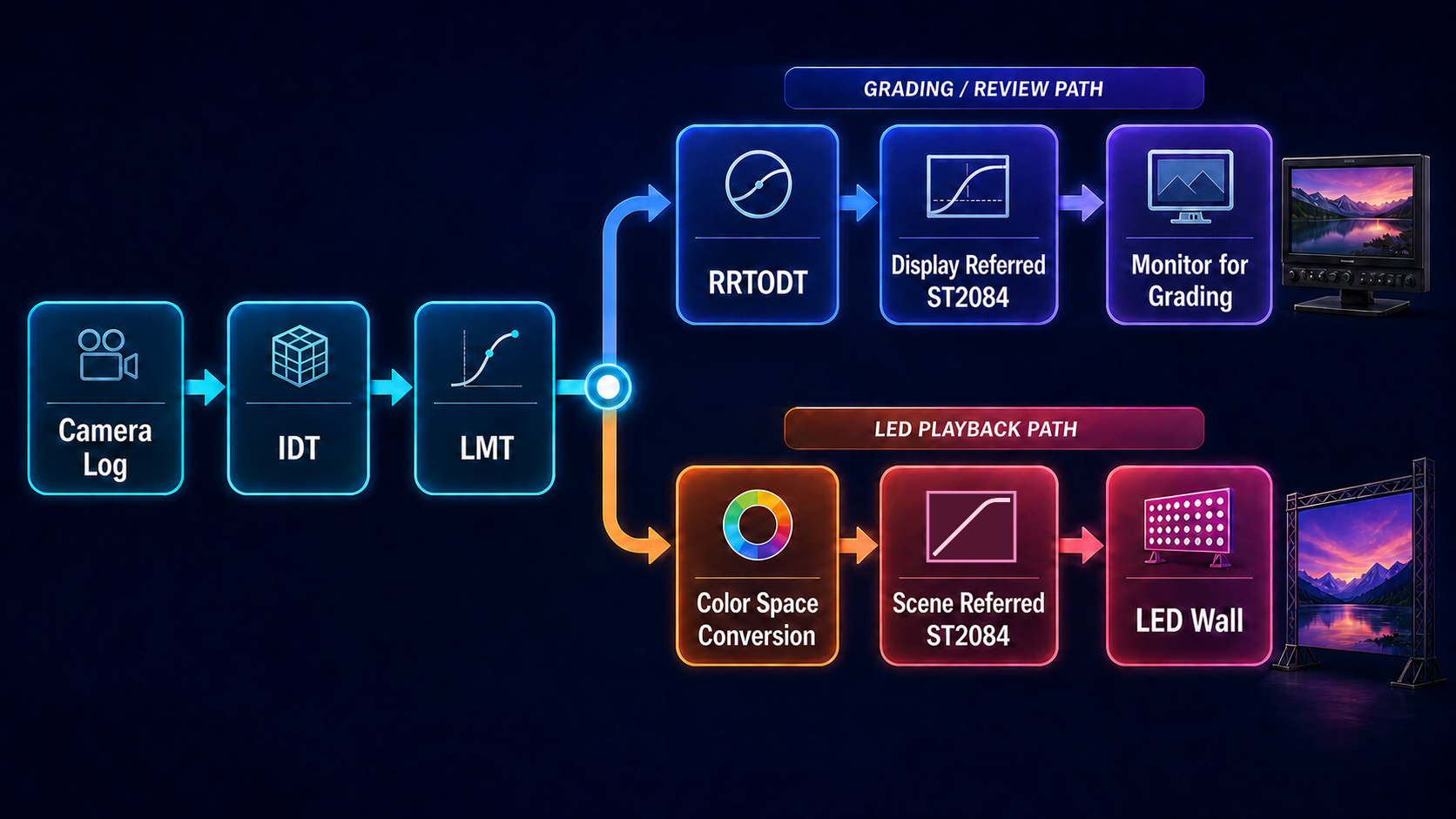
- Understanding the principles of color management for LED systems
- Understanding the color pipeline described above
- Selecting and configuring the appropriate color space for color correction and grading
- Understanding best practices for highlight handling
Properly prepared background content directly improves ICVFX image quality. We help you build a reliable workflow for preparing, grading, and delivering that content.
Camera-through calibration
Even when an LED system is accurately calibrated, the background content is properly prepared, and everything appears correct on the LED wall, the colors captured by the camera may not always match what was intended.
This occurs because the spectral sensitivities of a camera’s RGB sensors do not perfectly match those of the human visual system. In other words, a color that looks correct to the human eye on an LED wall may be reproduced differently when captured by a camera.
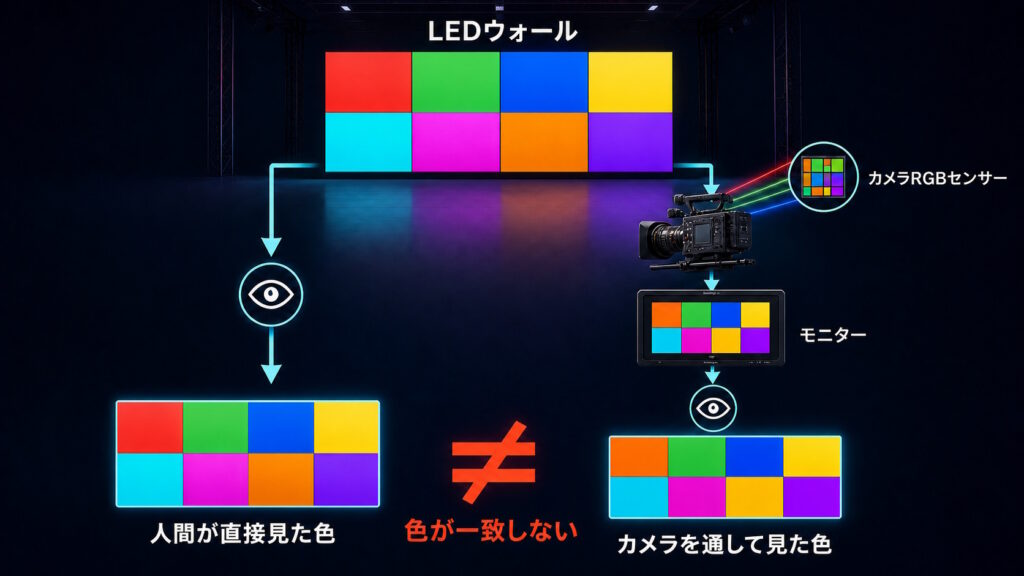
The colors in this illustration are simulated for explanatory purposes. They do not represent colors actually captured by a camera.
To compensate for this difference and ensure that the camera captures the intended colors, a correction process known as camera-through calibration is used.
The basic workflow is:
- Display a color chart on the LED wall
- Capture the chart with the camera
- Analyze the captured data and generate a calibration LUT
- Apply the calibration LUT to the content displayed on the LED wall
This process allows the colors originally prepared for the background content to more closely match the colors captured by the camera from the LED wall.
Because each camera has its own spectral response characteristics, a separate calibration LUT needs to be created for each camera.
Color Management Workshop
A solid understanding of color management is essential for modern content production. However, with limited access to practical learning resources, many professionals have had few opportunities to study it in a structured and hands-on way.
At PixCal Solutions, we offer customized color management workshops tailored to your team’s experience level, production environment, and specific needs.
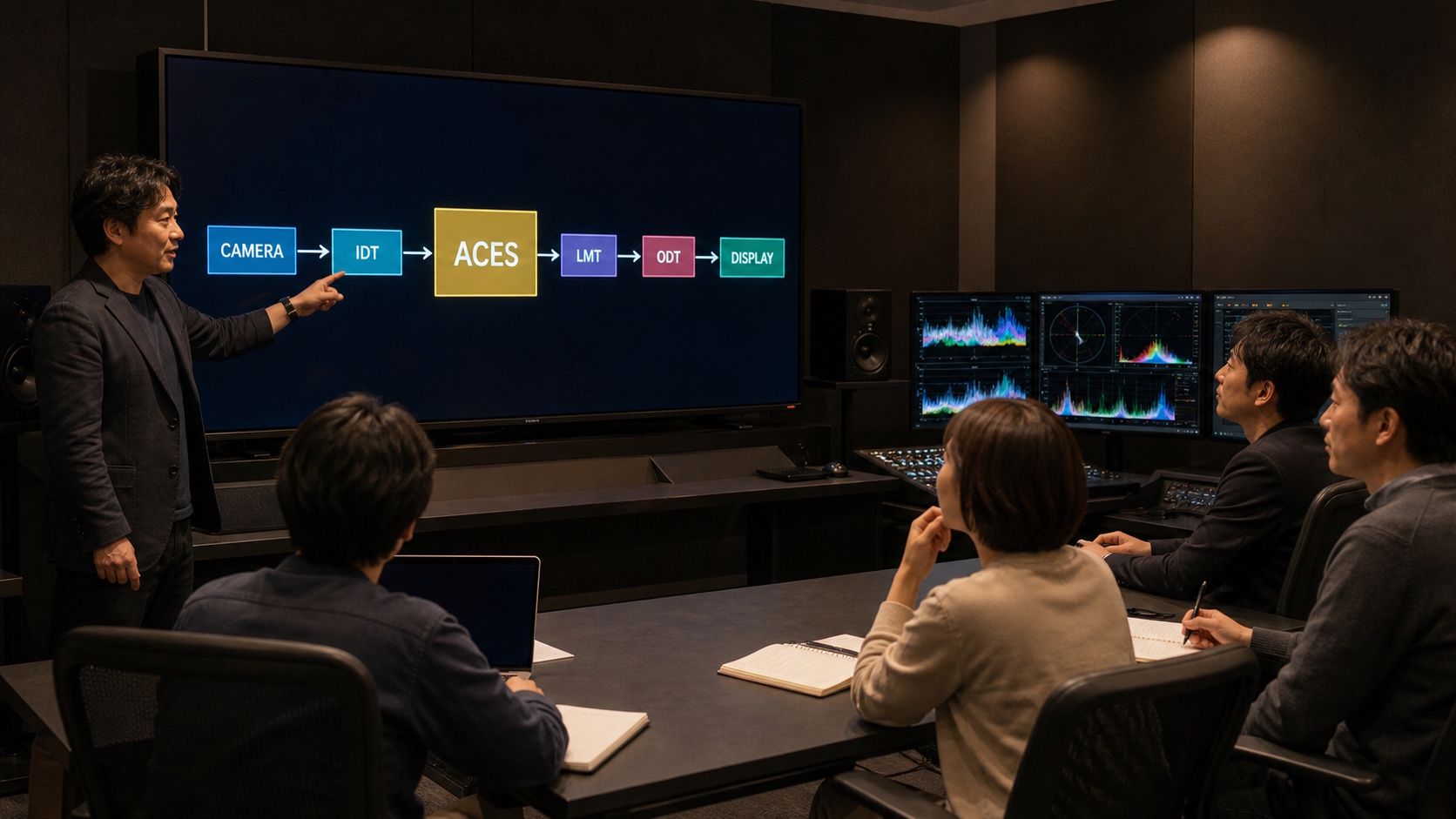
- What is Color?
- Basics of Color Space
- About Color Pipeline
- About ACES
In addition to the topics above, we can also offer more advanced, hands-on sessions covering LUTs, CLF, AMF, DCTL, OCIO, and other technologies used in modern color-managed workflows.
Design and Setup of HDR/SDR Viewing Environments
In HDR production, a mismatch at any point in the chain—from the camera and LUTs to signal distribution and monitor settings—can create a difference between the on-set image and the final result. We design viewing environments that display HDR and SDR correctly at the same time, tailored to the equipment and workflow used by each production.
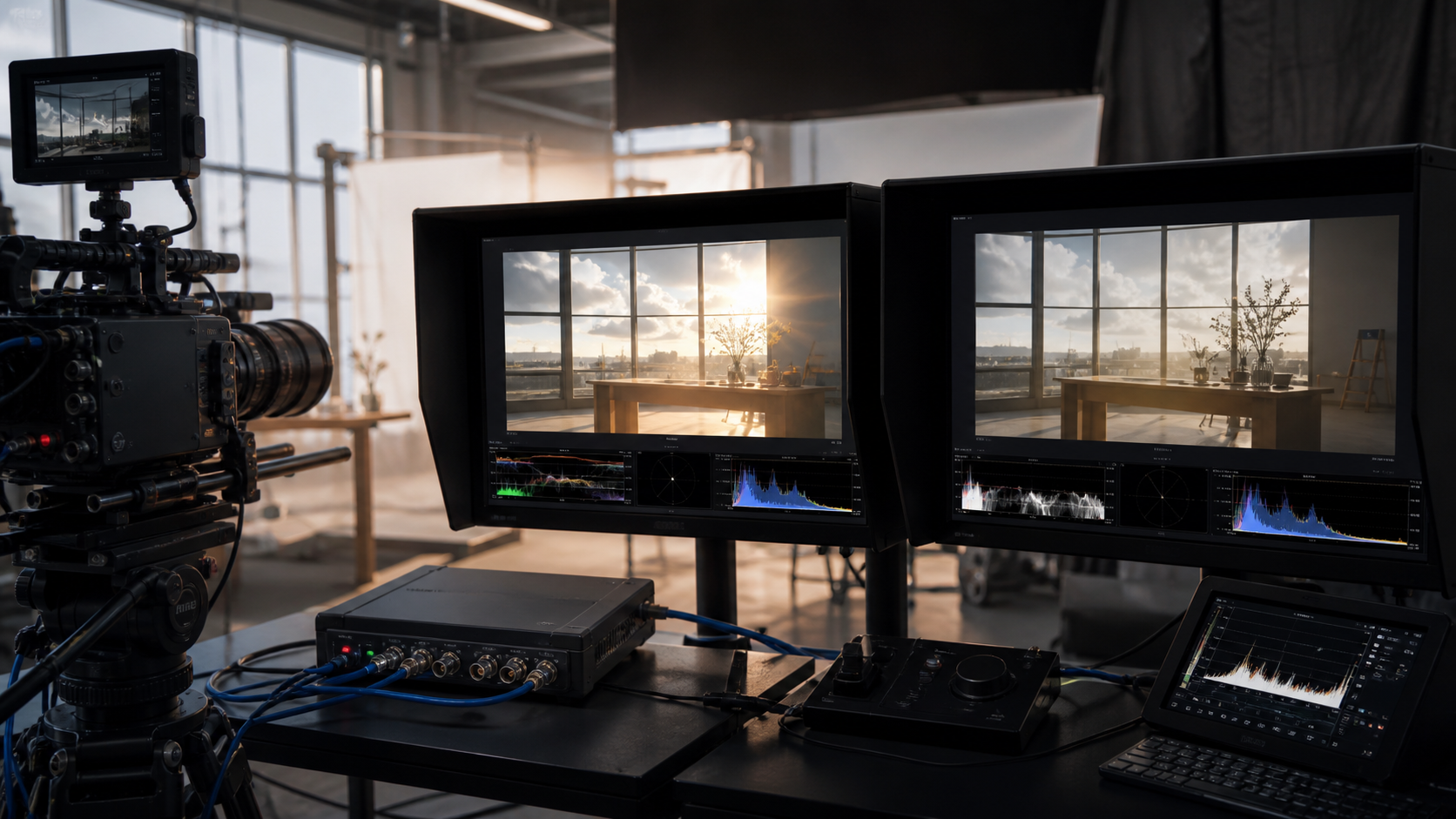
- Define the signal path from Camera Log through HDR/SDR monitoring
- Recommend an optimal setup for LUT boxes, monitor LUTs, and signal distribution
- Provide alternative workflow options when Camera Log output is not available
Based on the on-set equipment and operating requirements, we compare approaches such as generating HDR and SDR separately from the Camera Log signal or deriving SDR from the HDR signal. We then select a configuration that balances image quality with practical operation.
From Targeted Support to Complete ICVFX Workflow Solutions
From one-off support such as validation measurements and background content preparation to training technical directors who can oversee all technical aspects of ICVFX, we provide support tailored to your production needs.