
WEB TOOLS
Making Color and Imaging Technology More Accessible—Right in Your Browser.
Explore our web-based tools for analyzing and visualizing LUTs, color spaces, AMF, and more. Simply choose the tool you need and start using it right away.
No email registration is required.
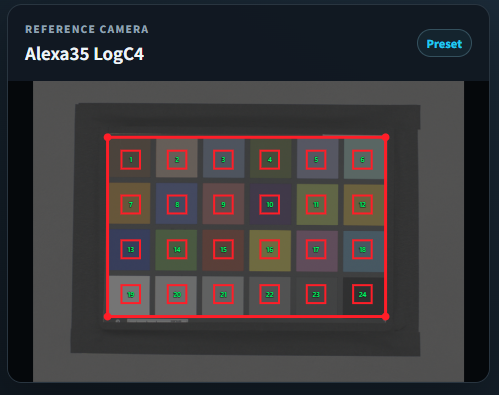
CMT(Camera Matching Transform)
Experience the CMT creation process and see how it affects the resulting image. You can also download the generated CMT as sample data for reference.
- Experience the CMT creation process
- Simulate exposure and color temperature variations
- Download sample CMTs
You can also upload your own images, subject to certain format and size limitations.
Open tool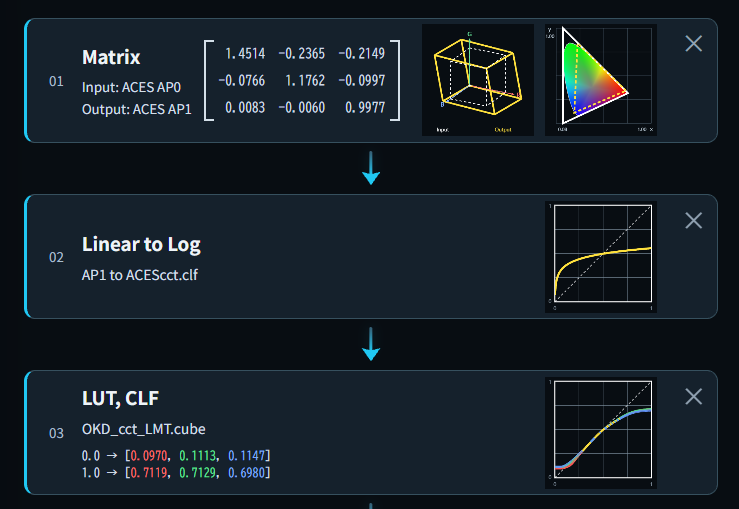 NEW
NEW
CLF Builder
You can create CLF files containing multiple processing operations through an intuitive interface.
- Presets for various camera log curves are available.
- You can upload and use .cube and .clf files.
- Generated CLF files can be downloaded.
Files are processed entirely within your browser and are never sent to a server.
Open tool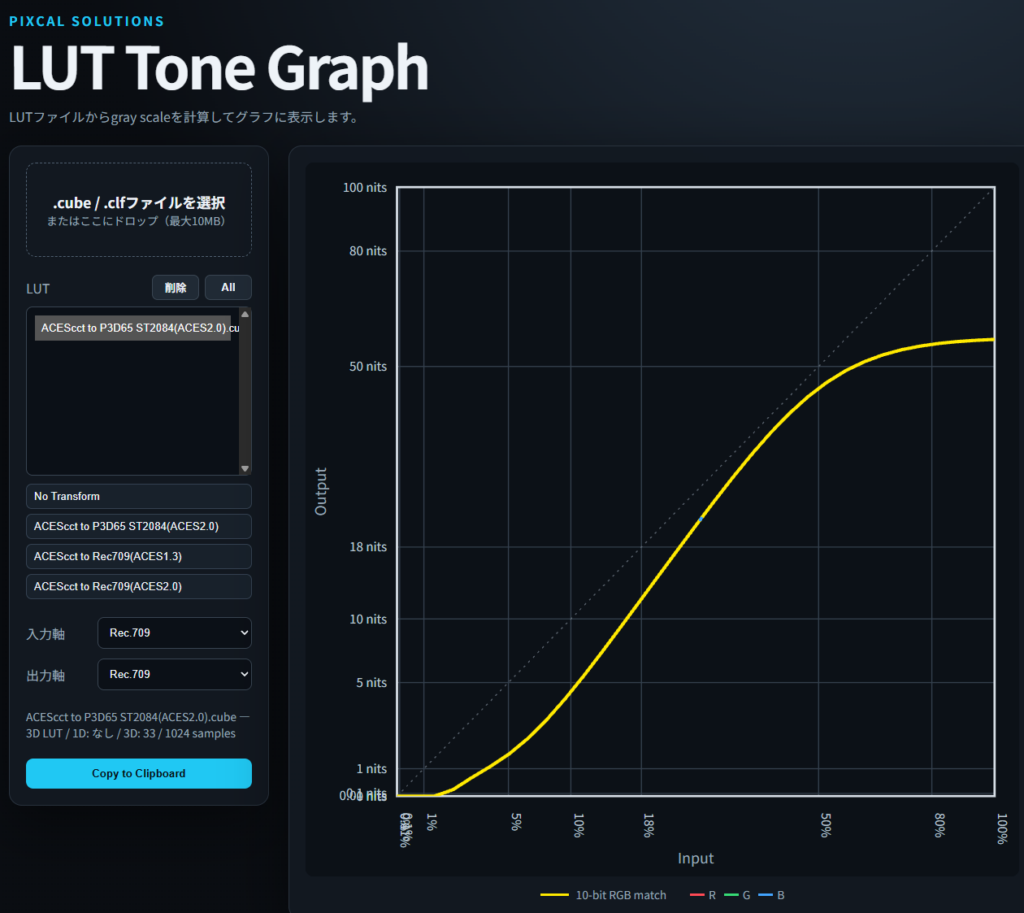
LUT Analysis
Load a LUT file and visualize its transform characteristics and color changes through graphs.
- View LUT technical information
- Visualize tone characteristics
- Analyze LUTs with drag and drop
Please refer to the information provided within each tool for supported formats and other requirements.
Open tool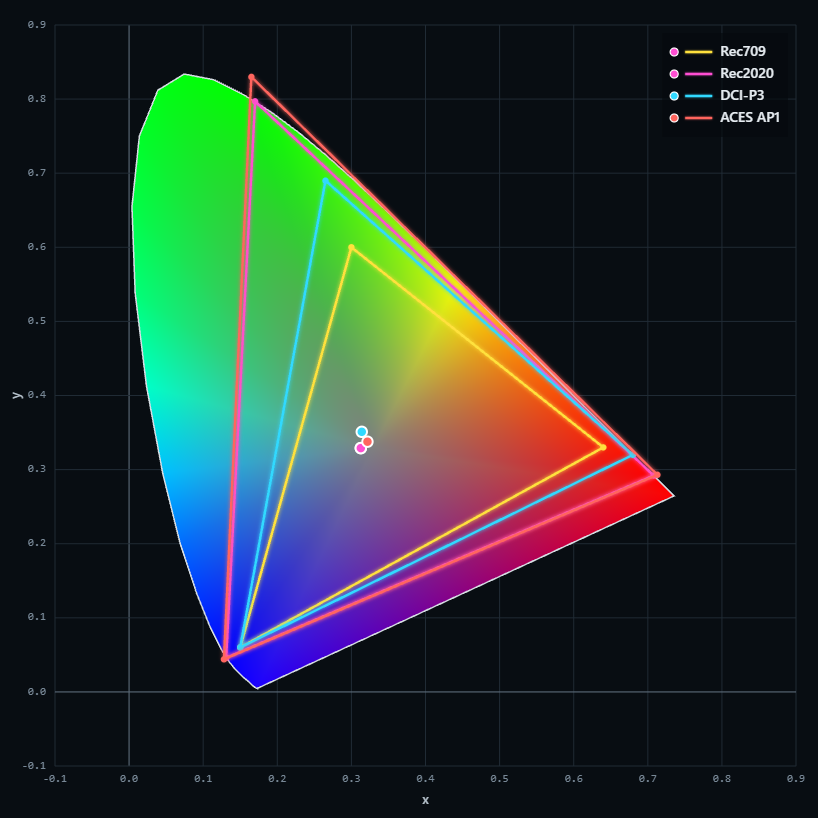
Gamut Graph
Visualize and compare the gamuts of selected color spaces on the xy chromaticity diagram.
- Visualize color space gamuts
- Zoom in and out of the graph
- Pan the view by dragging
Select and explore color spaces directly in your browser.
Open tool
AMF Visualize
Read the color information stored in an AMF file and visualize the color pipeline as a chart. The resulting chart can also be copied to the clipboard.
- Visualize the color pipeline defined in AMF files
- Switch between multiple AMF files for comparison
- Copy the pipeline chart to the clipboard
 NEW
NEW
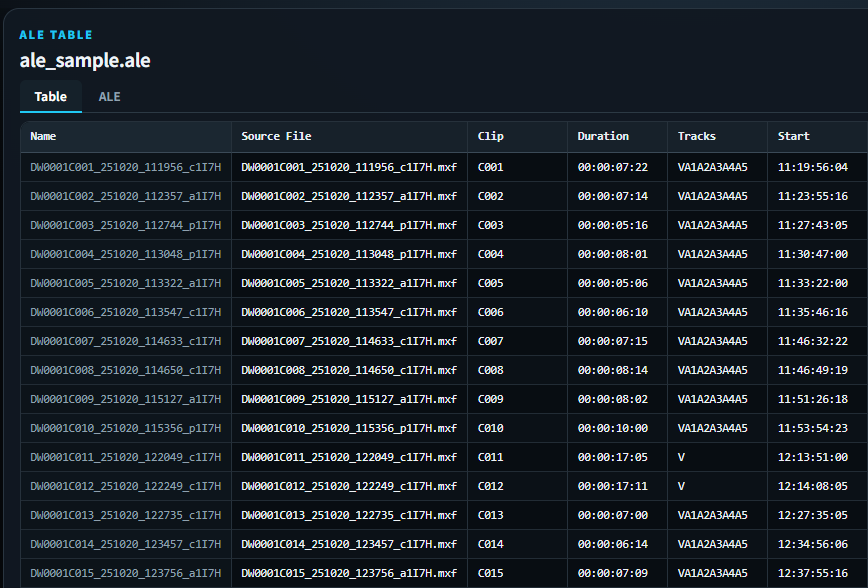
EDL Table Viewer
Load EDL, ALE, XML, OTIO, or CSV files and display their contents as structured tables. The resulting table can be copied to the clipboard or saved as a CSV file.
- Five preset sample datasets included
- Support for local files
- Convert data files into structured tables
Files are analyzed entirely within your browser and are never uploaded to the server.
Open tool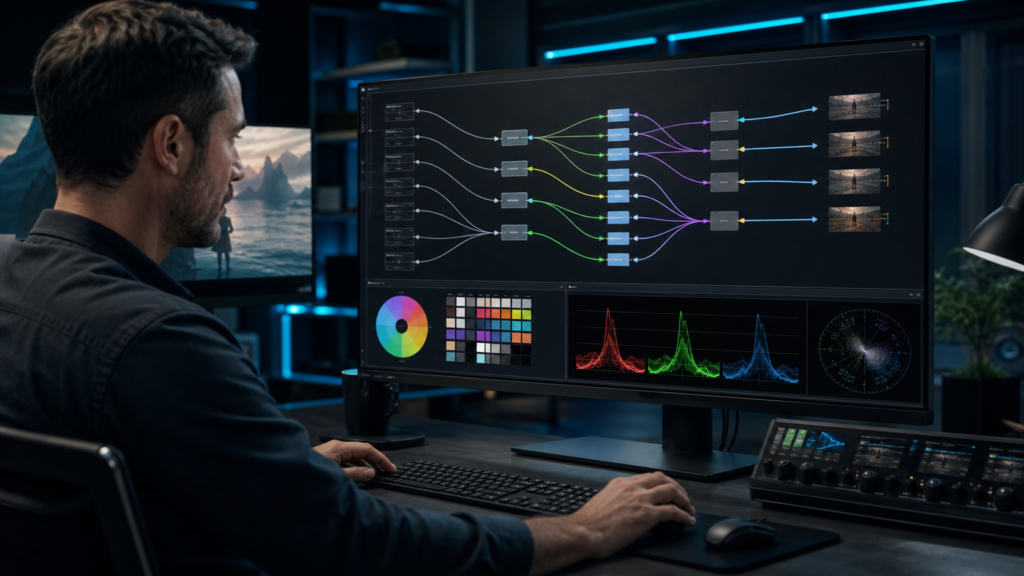 NEW
NEW
OCIO Config Trimmer
Use a step-by-step wizard to remove unnecessary settings from the ACES Studio Config and create a streamlined OCIO config tailored to your workflow. You can also upload and customize your own OCIO config file.
- Streamline an OCIO config to include only the settings you need
- Save the trimmed config file locally
- Validate OCIO config syntax
Files are processed entirely within your browser, and you can download a customized config based on your selected options.
Open tool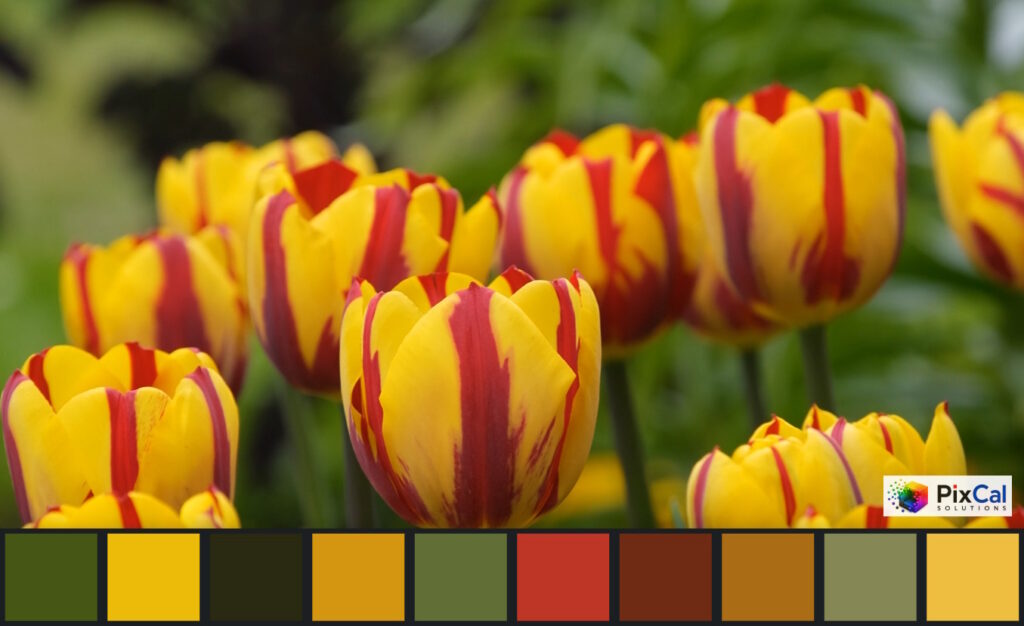 NEW
NEW
Color Palette
Extract 10 representative colors from a local image or an image pasted from the clipboard, and automatically generate a color palette that you can copy or save.
- Extract 10 representative colors from an image
- Copy the image and color palette to the clipboard
- Save locally in PNG or JPEG format
Images are analyzed entirely within your browser and are never uploaded to the server.
Open toolNo matching tools were found.
Before you start
Supported Environments & Formats
Please refer to each tool’s page for information on supported browsers and file formats.
File Handling
Please refer to the information provided on each tool’s page for details on how uploaded files are processed and stored.
Feedback & Bug Reports
If you have feature requests or encounter any issues, please let us know through our Contact page.
Delete registered email address
You can delete your registered email address. You will also stop receiving email updates about tools and technical information.
Click the link in the email we send to permanently delete your email address.