
Preserve Color Intent. Finish Faster and with Confidence.
From ACES color pipeline design and Custom IDT development to AMF-based automation, we build post-production workflows that preserve the color intent of your camera footage consistently through editorial, VFX, grading, and final delivery.
ACES Color Pipeline Design for DaVinci Resolve and Baselight
ACES is not a system that can be fully implemented simply by enabling a few settings. A successful ACES workflow requires a consistent approach to color transforms across the entire production—from camera originals and existing Rec. 709 assets to VFX interchange and final HDR/SDR delivery.
The key is to clearly define the role of each transform and ensure that every stage of the pipeline works together as a coherent, end-to-end color workflow.
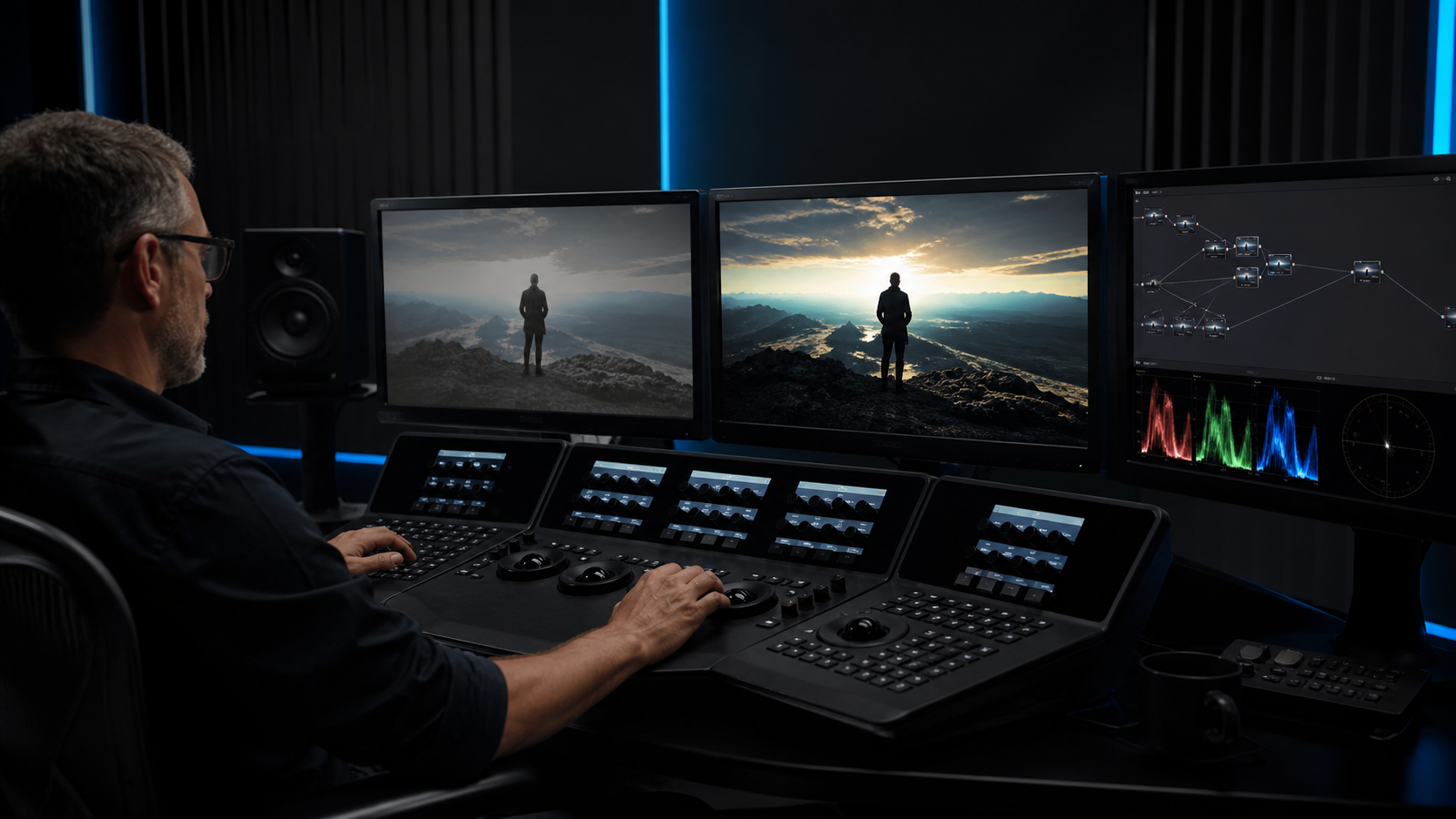
- ACES project setup and configuration in DaVinci Resolve and Baselight
- Workflow design for projects combining Camera Log, Rec. 709, CG, and VFX material
- Practical guidance and best practices for HDR grading, including key considerations for Dolby Vision trim passes
- Documentation and training designed to help teams understand not only the settings, but also the reasoning and underlying color processing behind them
Beyond standard configurations, we design workflows tailored to the specific needs of each production—whether that means integrating existing material naturally into an ACES pipeline or leveraging Baselight’s DRT within an ACES-based workflow.
Our goal is not simply to provide the right settings, but to ensure that your team understands why they work and can confidently reproduce and adapt the workflow for future productions.
Custom IDT Development for Blackbox Cameras
For cameras without an appropriate manufacturer-provided IDT, or when a standard IDT leaves noticeable color differences compared with the main camera, a custom IDT derived from actual camera measurements can provide a more accurate and consistent color match.
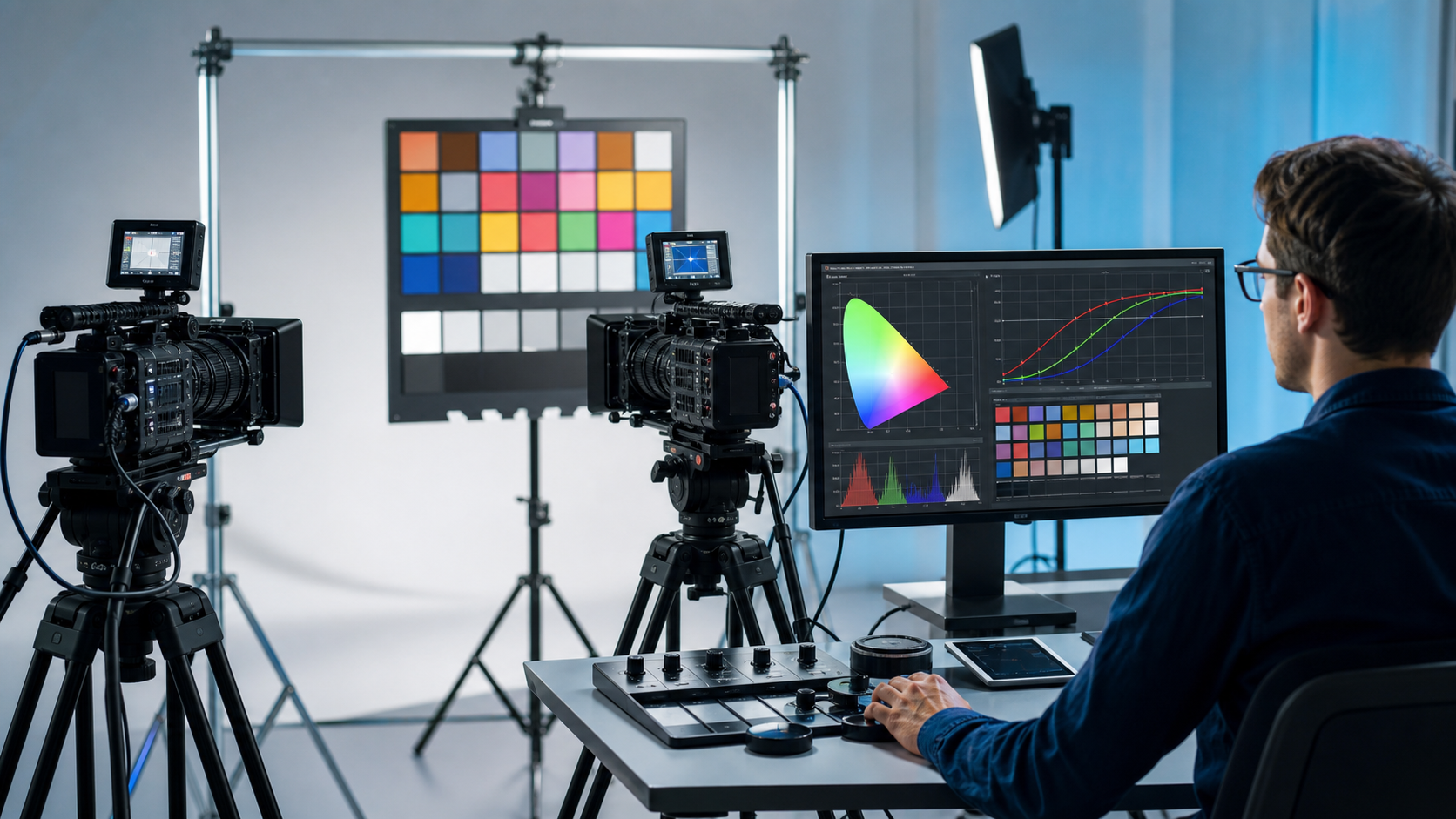
- Capture a Macbeth ColorChecker with both the main camera and the target camera under identical lighting and shooting conditions
- Analyze color differences and tonal response from the captured color chart data
- Develop and validate a Custom IDT for accurate conversion into ACES
- Verify skin tones, saturation, and highlight reproduction using real-world camera footage
If properly captured Macbeth ColorChecker footage meeting the required conditions is available, we can develop a Custom IDT tailored to your camera and production requirements.
For teams that need to create Custom IDTs or CMTs on an ongoing basis, we can also provide dedicated Custom IDT creation tools, together with the workflow, methodology, and guidance needed to use them effectively.
Color Pipeline Automation with AMF
Color decisions made during on-set grading or pre-grading—such as CDL values, Show LUTs, and color transforms—often need to be carried across multiple stages of production. Reconfiguring these settings manually at each stage is not only time-consuming, but also increases the risk of errors and inconsistencies.
By leveraging the ACES Metadata File (AMF), clip-specific color information can be reliably carried forward to downstream workflows, helping preserve the intended color pipeline throughout the production.
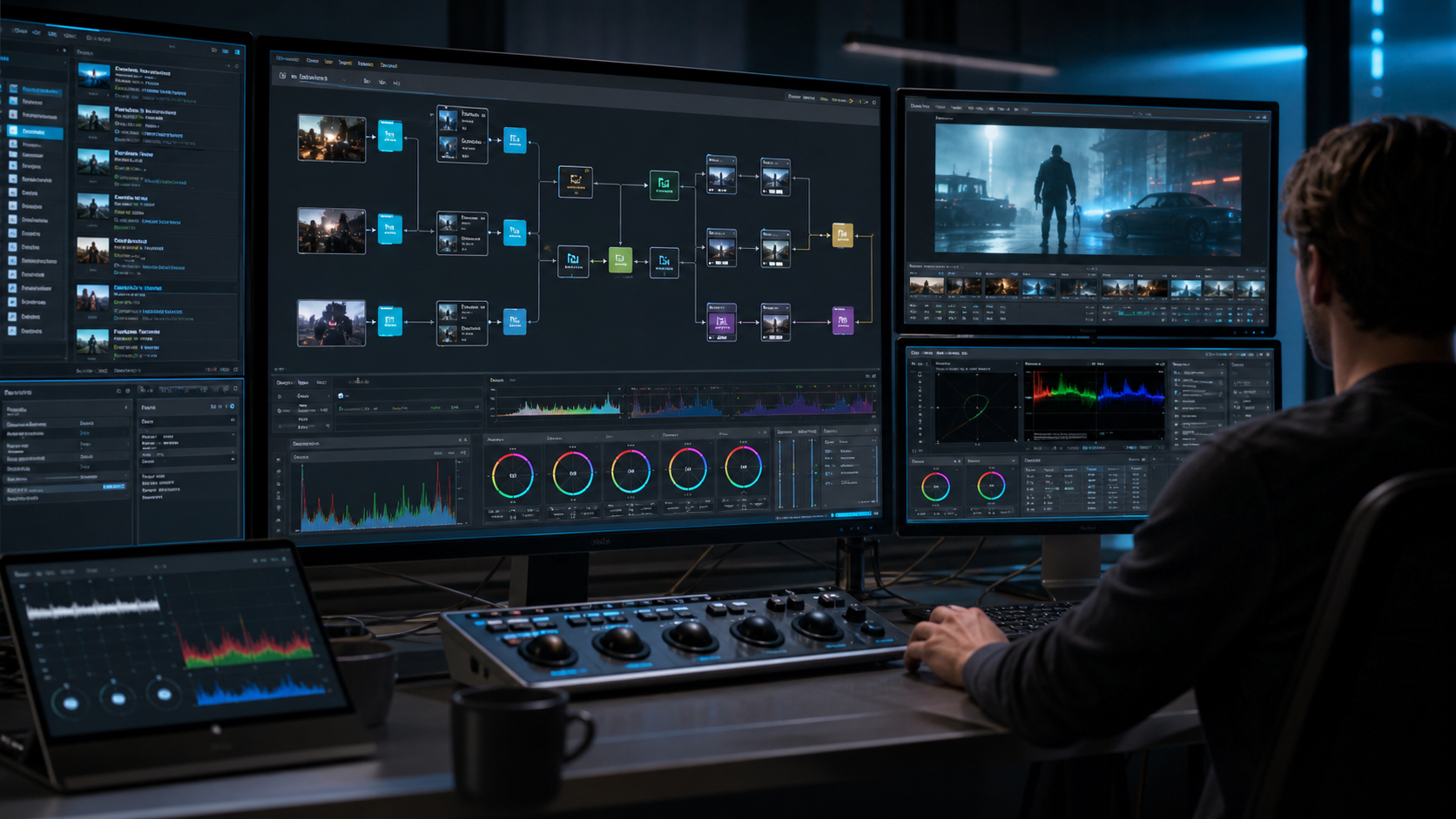
- Record on-set CDL values, LMTs, and Show LUTs in clip-specific AMF files
- Automatically reproduce color pipeline settings during conform in DaVinci Resolve and Baselight
- Utilize AMF metadata to maintain consistent color pipelines for VFX compositing and review
AMF support and implementation vary across software applications. We evaluate the capabilities available in your production environment and recommend the most effective workflow based on the latest support and tools available at the time.
Color Management Workshop
A solid understanding of color management is essential for modern content production. However, with limited access to practical learning resources, many professionals have had few opportunities to study it in a structured and hands-on way.
At PixCal Solutions, we offer customized color management workshops tailored to your team’s experience level, production environment, and specific needs.
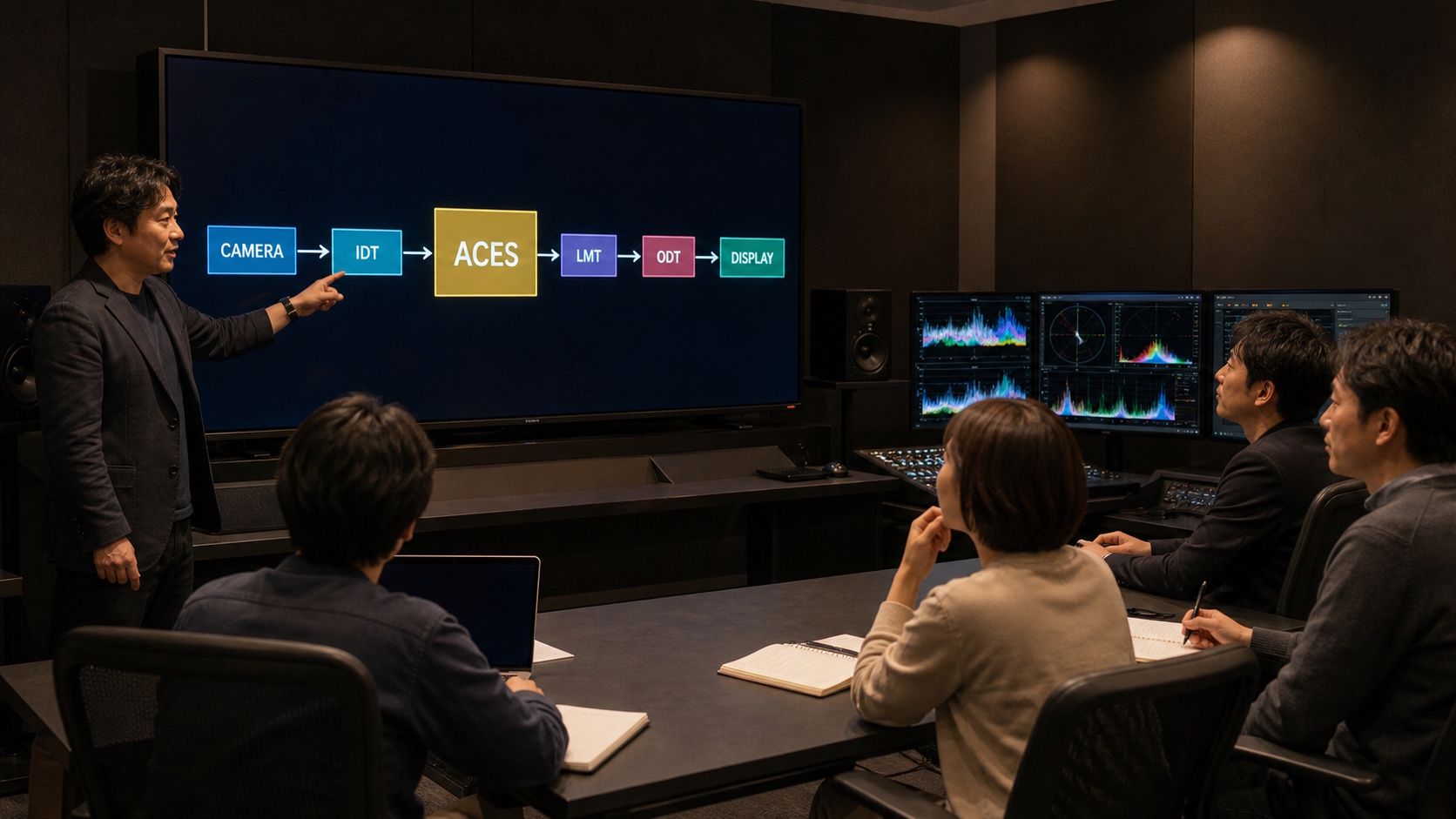
- What is Color?
- Basics of Color Space
- About Color Pipeline
- About ACES
In addition to the topics above, we can also offer more advanced, hands-on sessions covering LUTs, CLF, AMF, DCTL, OCIO, and other technologies used in modern color-managed workflows.
Deepen Your Understanding of HDR
We offer practical HDR workshops that explain, in clear and accessible terms, what HDR (High Dynamic Range) is, the value it brings to visual storytelling, and the key considerations when working with HDR in production.
Using real-world examples, we help participants understand not only the technical fundamentals of HDR, but also how they translate into actual production workflows and creative decisions.
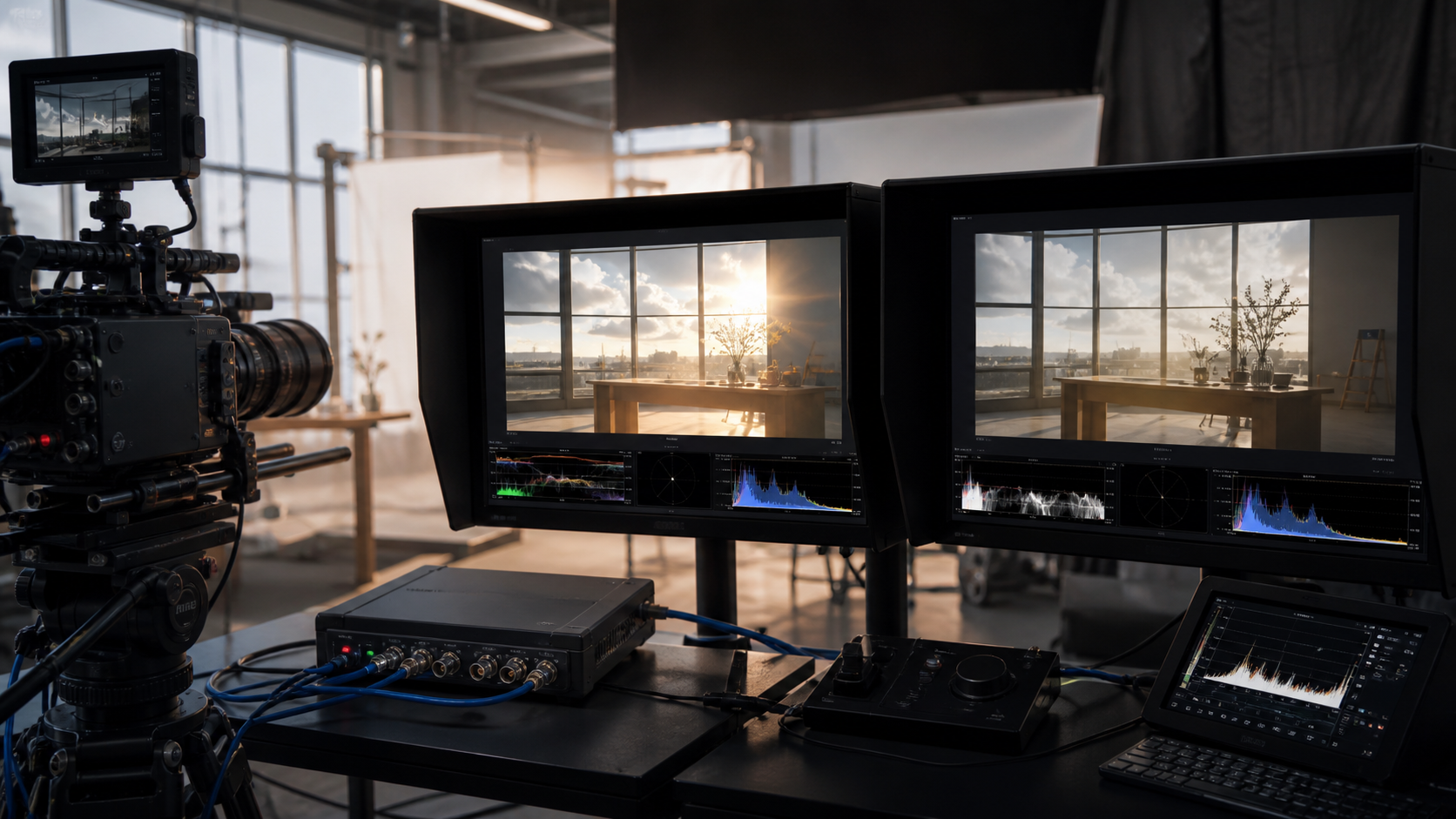
- What is ST 2084 (PQ), the HDR standard adopted by Netflix?
- What can HDR reproduce that SDR cannot?
- How should HDR be handled across production—from shooting and editorial to VFX and final DI?
- Can SDR content be converted to HDR?
By deepening your understanding of HDR, you can make more informed creative and technical decisions—and take full advantage of HDR to deliver a richer and more compelling viewing experience.
Look Development with Color Palettes
Look development during pre-production helps everyone share a clear visual direction for the project. One effective approach is to create an art-book-style collection of references using images from previous productions or newly photographed material, then extract the key colors as a palette.
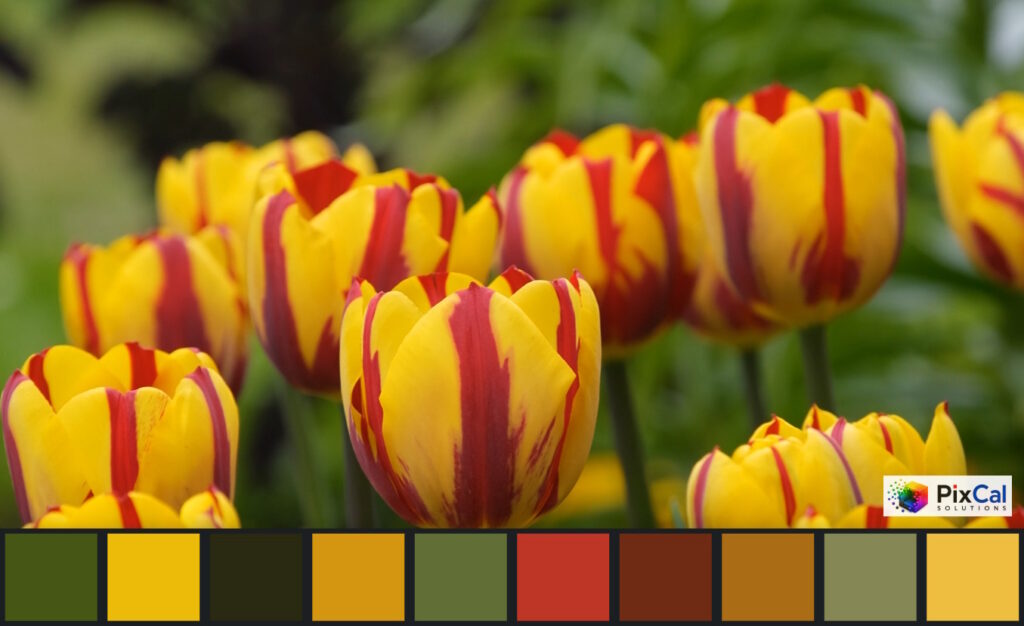
Our free Color Palette tool lets you create a palette from your own images or from visual references found online.
If you would like to incorporate color palettes into a full look-development workflow, please contact us.
From Existing Workflow Assessment to New Workflow Design
We assess your current setup—including software, cameras, delivery specifications, and VFX integration—to identify areas for improvement. We also validate and troubleshoot existing ACES workflows, as well as support the design and implementation of new ones.