
Showing 24 solutions.
ALE / XML / CSV Processing and Workflow Support
Depending on downstream production requirements, metadata files provided with dailies may need to be properly imported and integrated into the editorial workflow. The metadata can then be utilized in various ways, such as exporting it as part of an EDL or CSV file, or burning selected metadata into proxy images.
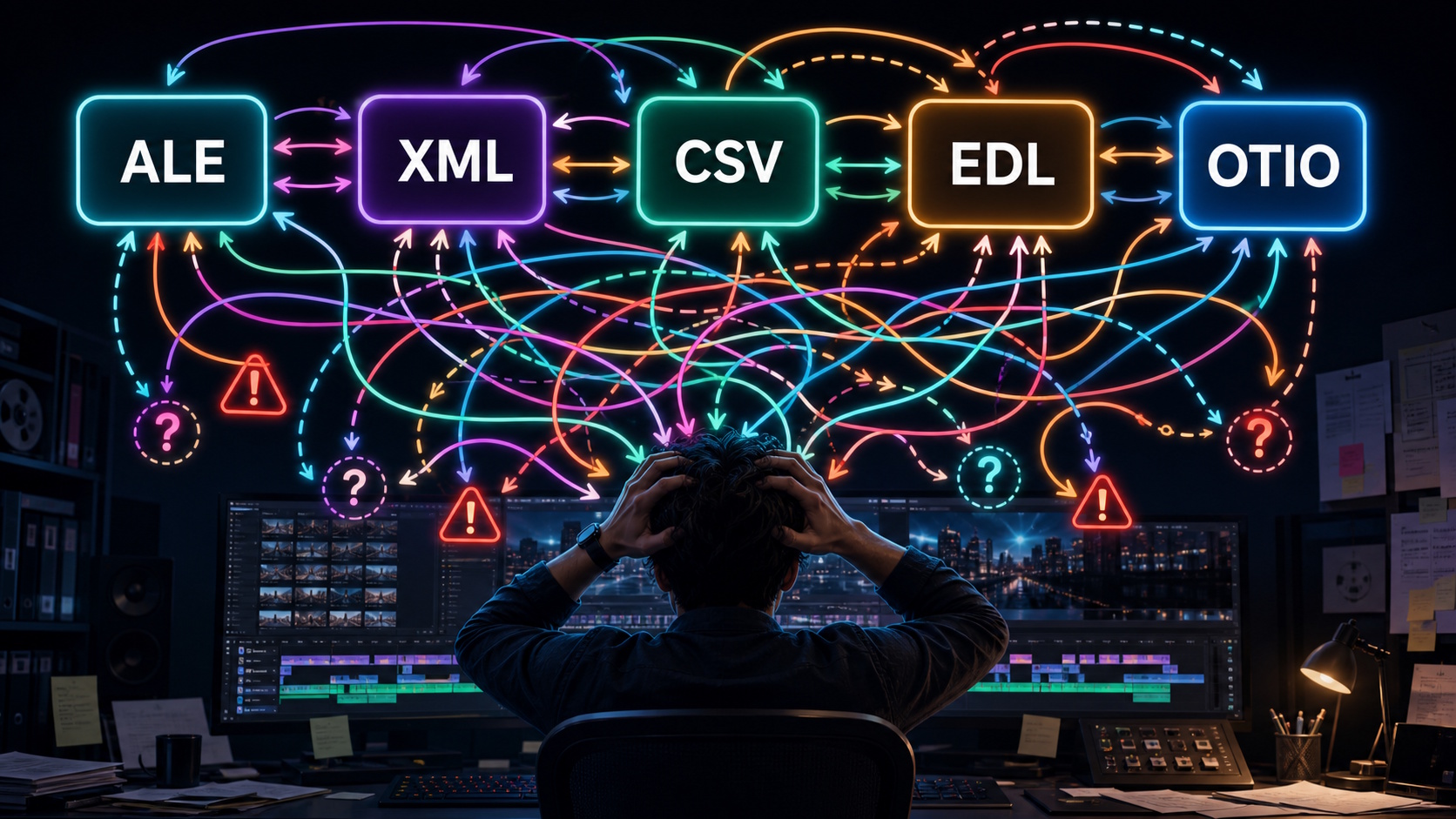
You can easily generate structured lists from EDL, ALE, XML, CSV, and OTIO files. You can try this workflow directly in your browser with our free EDL Table Viewer.
For more advanced workflows—such as converting between file formats, mapping or embedding metadata into different fields, or burning metadata into the image—we can provide solutions using tools such as EDLMerger and other custom utilities.
Please feel free to contact us to discuss your specific workflow requirements.
LED System Color Reproduction Verification
LED systems used for ICVFX backgrounds are typically calibrated to ST 2084 (PQ), which represents luminance in absolute terms. Ensuring that the LED wall accurately reproduces the intended colors is the essential starting point for a reliable ICVFX color pipeline.
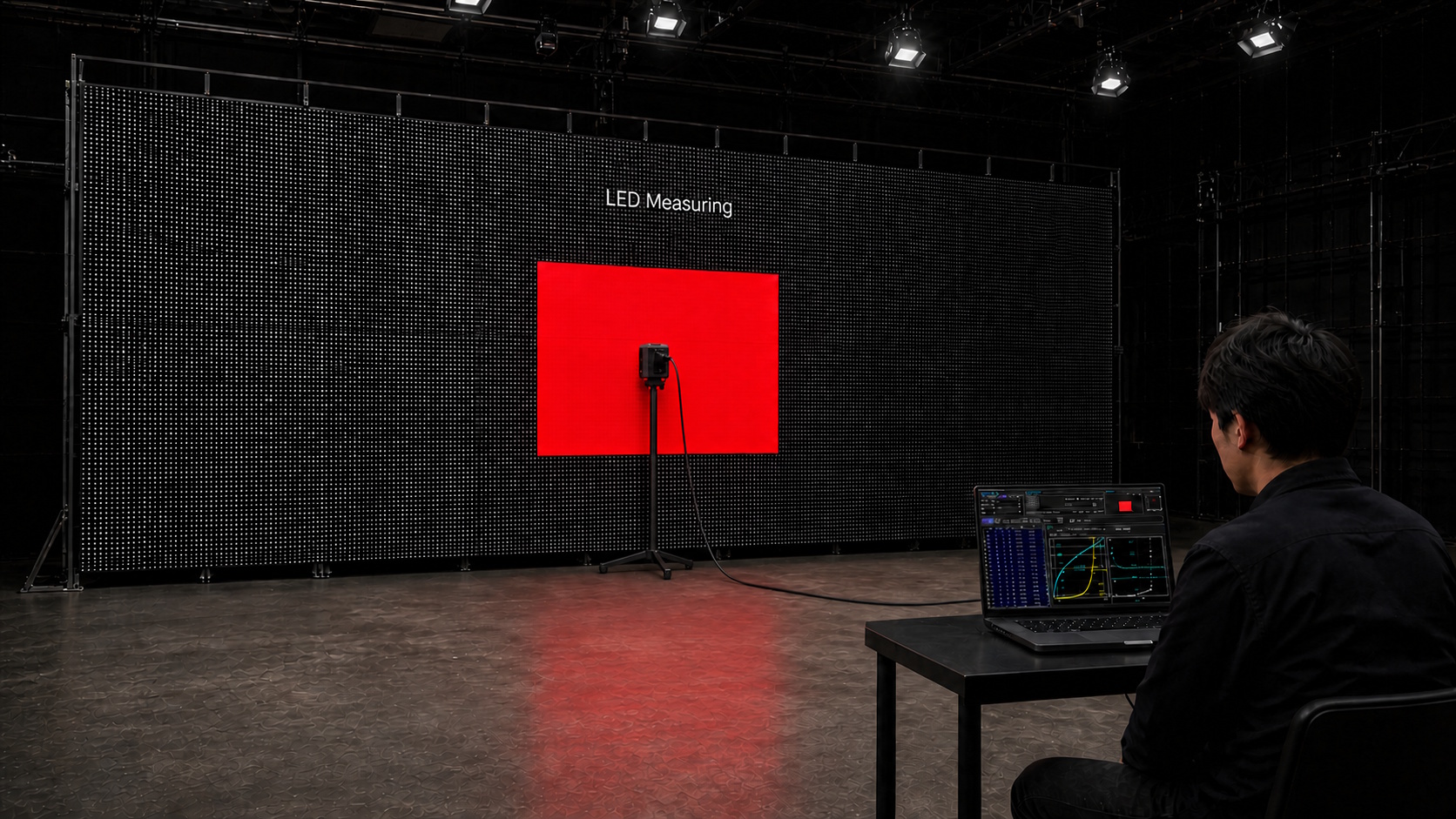
- Generation of color patch images for measurement
- Measurement of grayscale and primary colors
- Troubleshooting and analysis when measured results do not meet the target specifications
While we do not provide calibration services directly, we can support and guide the calibration process using the built-in calibration capabilities of your LED system controller.
Reducing the VFX Editorial Workload
On productions without a dedicated VFX Editor, the editorial team often needs to take on a wide range of VFX-related responsibilities. These may include managing VFX shots, building and maintaining VFX timelines, assigning and entering VFX shot names, and exporting EDLs in the required format.
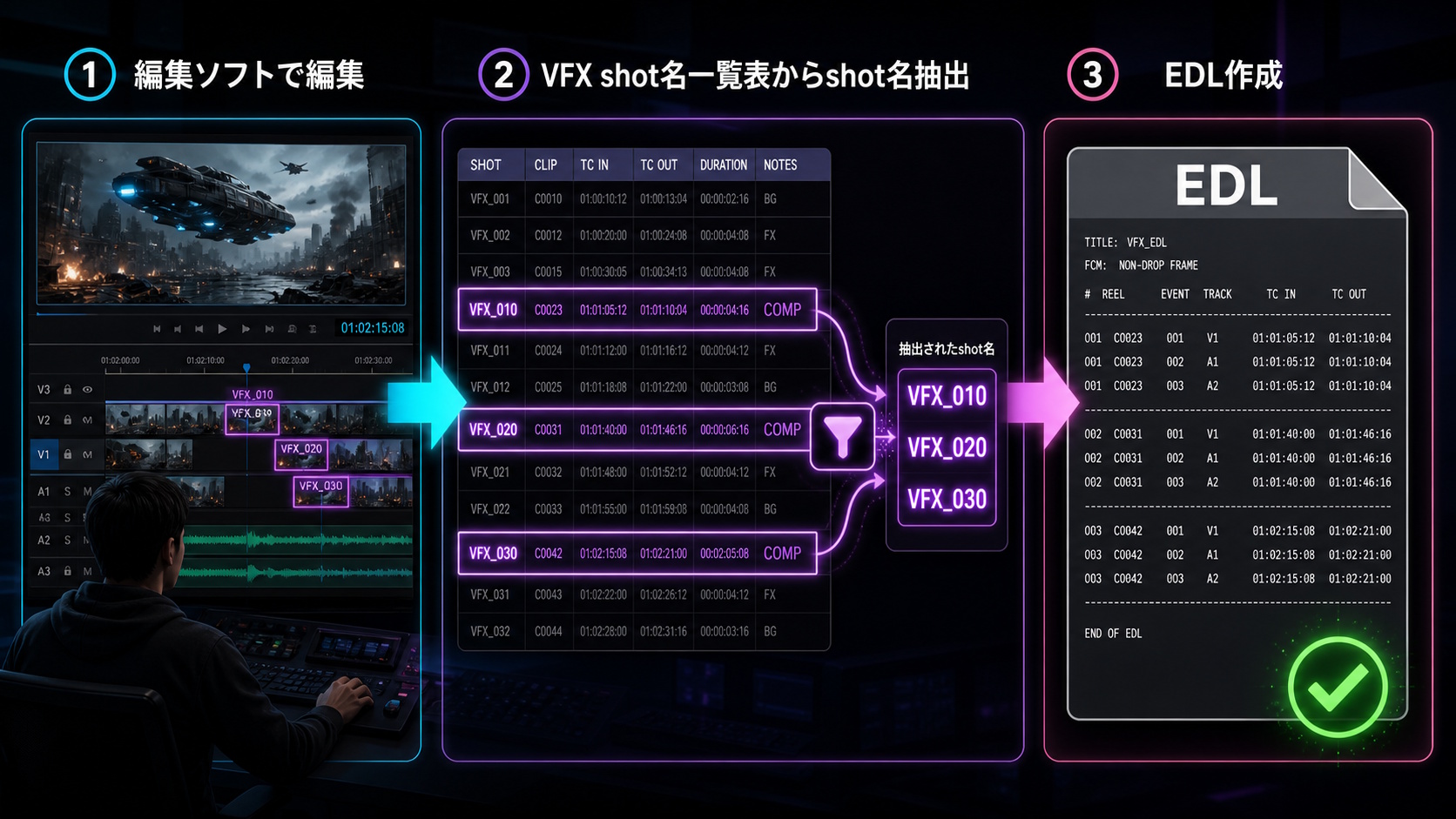
Our EDLMerger software provides the following features:
- Creation of VFX shot lists with thumbnails
- VFX shot naming
- Burn-in of VFX shot names into proxy files
- Generation of EDLs containing VFX shot names
EDLMerger streamlines these tasks and reduces the editorial team’s manual workload. Please contact us to discuss your workflow.
Camera-through calibration
Even when an LED system is accurately calibrated, the background content is properly prepared, and everything appears correct on the LED wall, the colors captured by the camera may not always match what was intended.
This occurs because the spectral sensitivities of a camera’s RGB sensors do not perfectly match those of the human visual system. In other words, a color that looks correct to the human eye on an LED wall may be reproduced differently when captured by a camera.
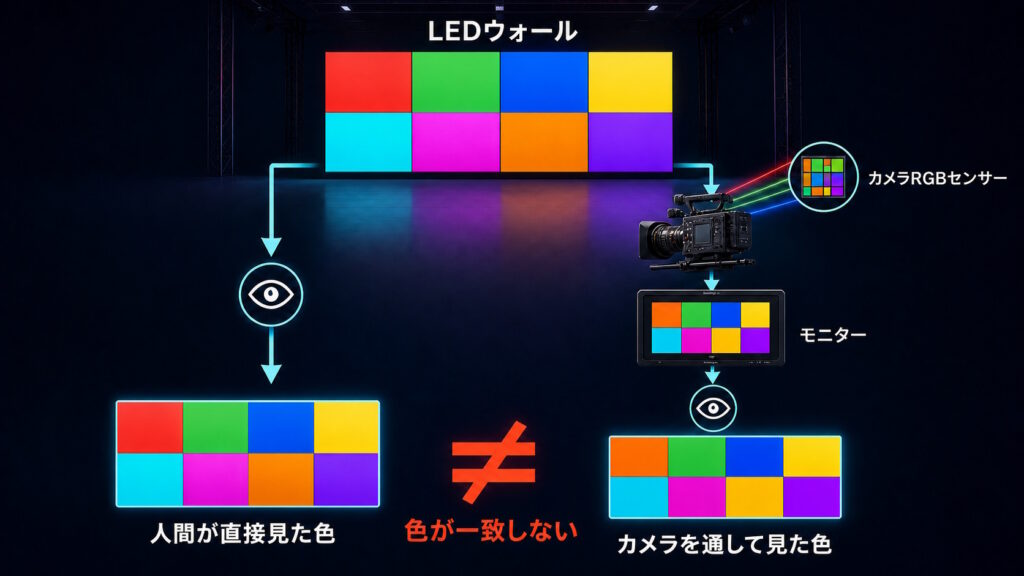
The colors in this illustration are simulated for explanatory purposes. They do not represent colors actually captured by a camera.
To compensate for this difference and ensure that the camera captures the intended colors, a correction process known as camera-through calibration is used.
The basic workflow is:
- Display a color chart on the LED wall
- Capture the chart with the camera
- Analyze the captured data and generate a calibration LUT
- Apply the calibration LUT to the content displayed on the LED wall
This process allows the colors originally prepared for the background content to more closely match the colors captured by the camera from the LED wall.
Because each camera has its own spectral response characteristics, a separate calibration LUT needs to be created for each camera.
Look Development with Color Palettes
Look development during pre-production helps everyone share a clear visual direction for the project. One effective approach is to create an art-book-style collection of references using images from previous productions or newly photographed material, then extract the key colors as a palette.
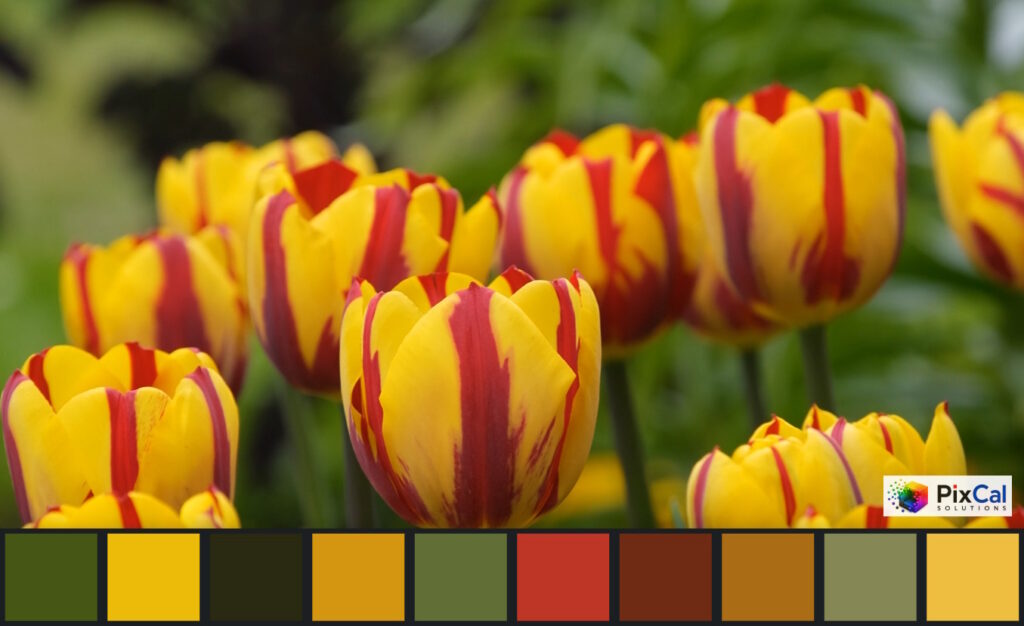
Our free Color Palette tool lets you create a palette from your own images or from visual references found online.
If you would like to incorporate color palettes into a full look-development workflow, please contact us.
Color Management Workshop
A solid understanding of color management is essential for modern content production. However, with limited access to practical learning resources, many professionals have had few opportunities to study it in a structured and hands-on way.
At PixCal Solutions, we offer customized color management workshops tailored to your team’s experience level, production environment, and specific needs.
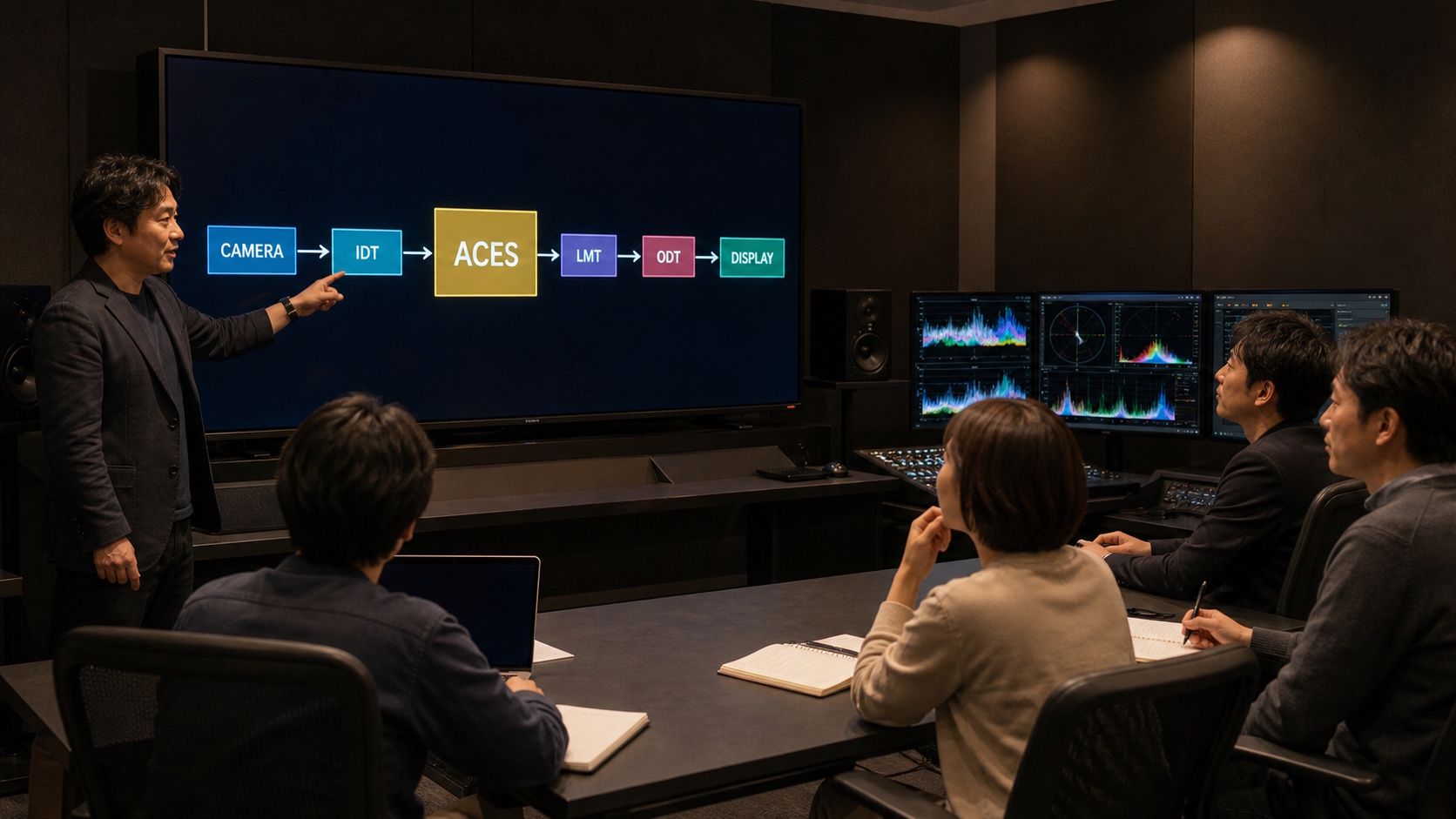
- What is Color?
- Basics of Color Space
- About Color Pipeline
- About ACES
In addition to the topics above, we can also offer more advanced, hands-on sessions covering LUTs, CLF, AMF, DCTL, OCIO, and other technologies used in modern color-managed workflows.
Integrating New Technologies into Production Workflows
Productions often benefit from adopting new technologies and approaches, but introducing solutions without a proven track record can also involve risk.
We help evaluate and validate new technologies before they are used in production, and provide guidance on how to integrate them safely and effectively into existing workflows.
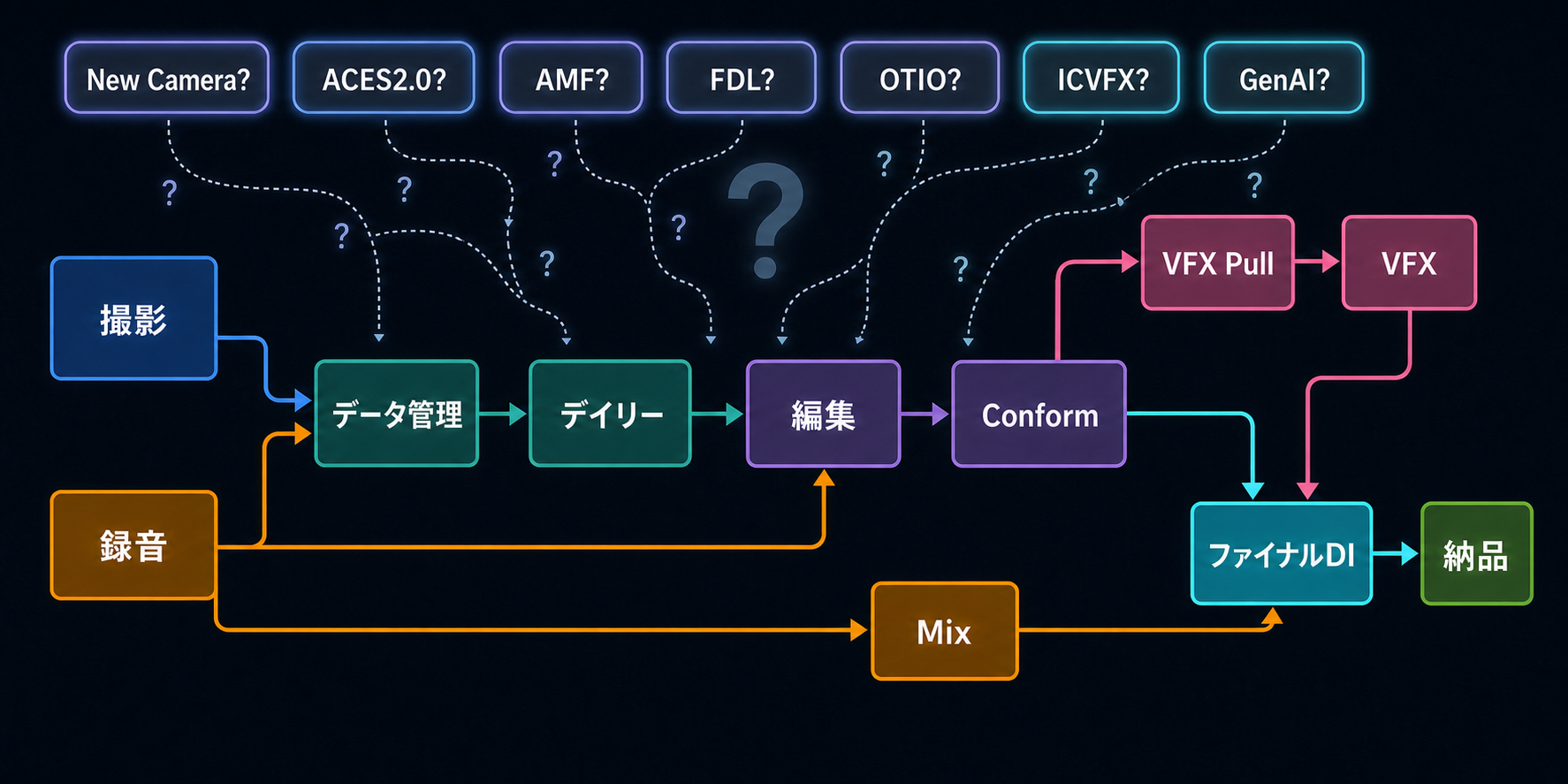
- Integration and workflow design for new camera systems
- ACES 2.0 implementation in VFX workflows
- Adoption and practical use of emerging formats such as AMF, FDL, and OTIO
- ICVFX workflow design and implementation
- Image quality evaluation for Generative AI (GenAI)
When needed, we can also develop and provide custom tools tailored to your specific workflow requirements.
Faster, More Accurate Final Quality Checks
Data management and dailies workflows often involve a large number and variety of deliverables, making it difficult to verify every output and catch potential errors. Because even a small mistake at this stage can have a significant impact on downstream workflows, thorough and reliable quality checks are essential.
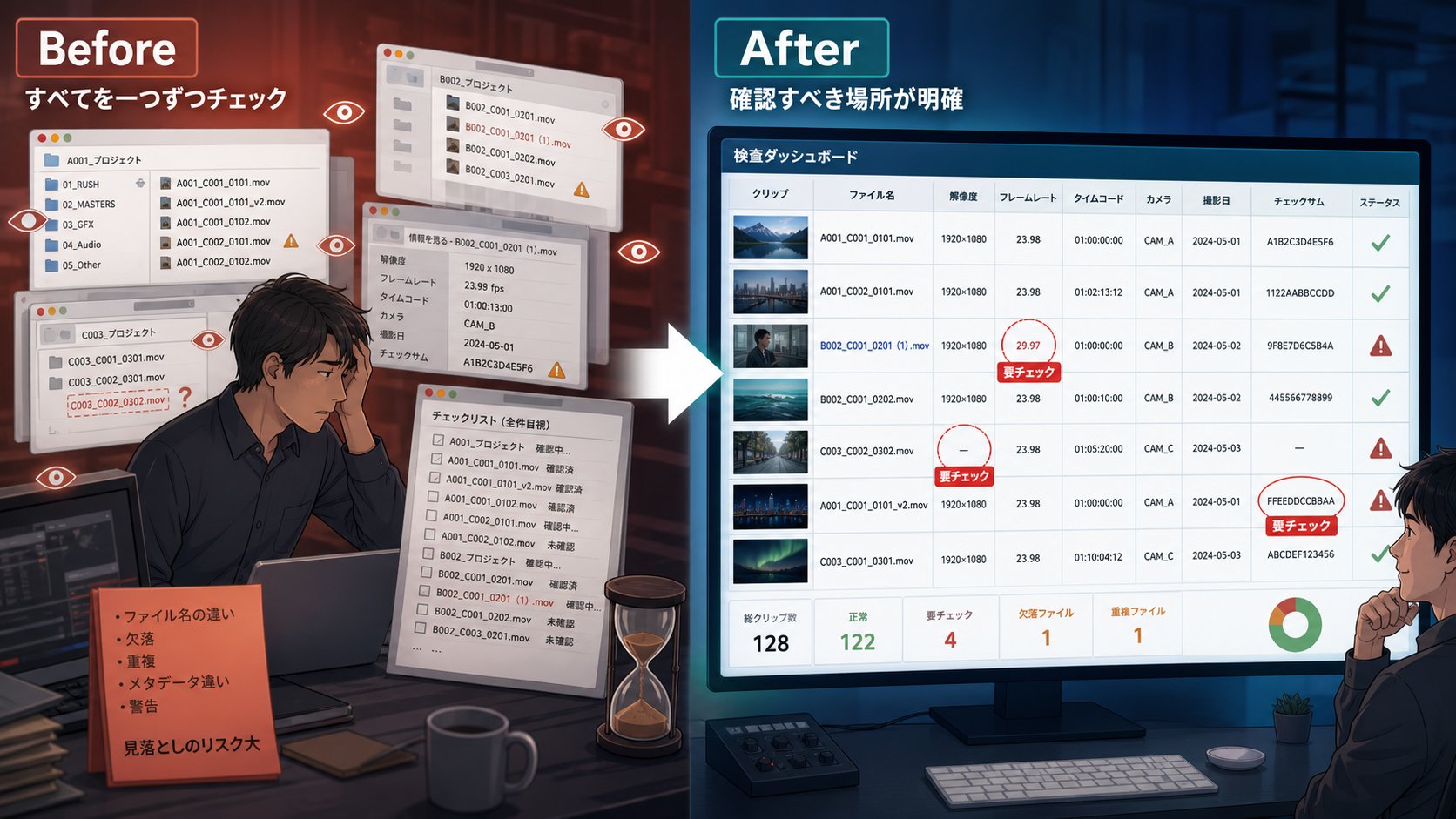
- Effective use of Netflix’s Validation Tool
- Generation of comprehensive checklists of items requiring verification using our custom tools
The most effective quality-check workflow varies depending on the production, deliverables, and the people involved. We take the time to understand your specific workflow and requirements, then recommend a practical and reliable approach tailored to your production.
Troubleshooting Image Quality and Metadata Issues
As a production moves through its various stages, a wide range of technical issues can arise. Color mismatches and unexpected color shifts are among the most common problems. Other challenges may include metadata handling, image noise, artifacts, and other image-quality issues.
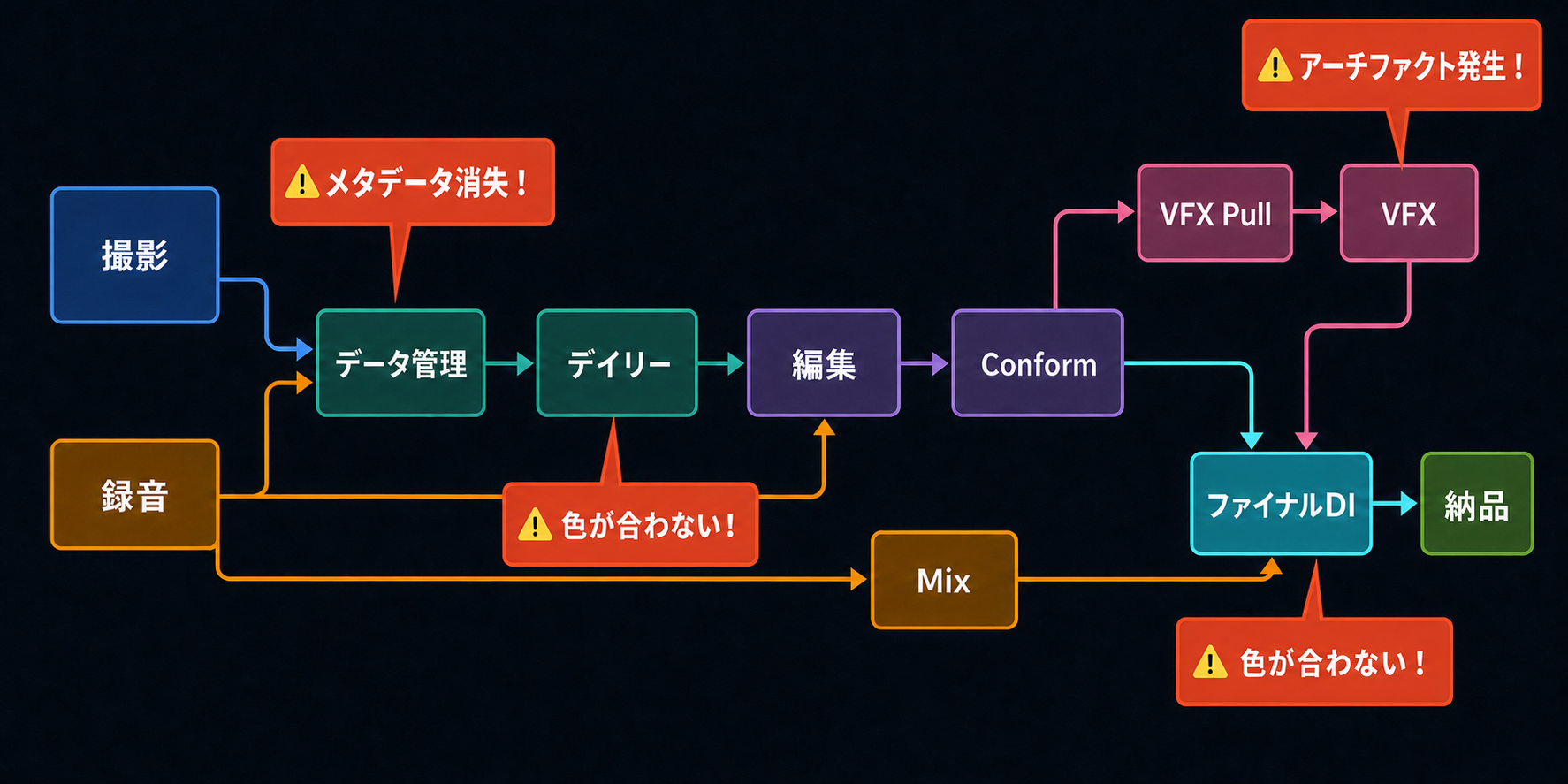
- Color mismatches between on-set monitoring and dailies
- Required metadata not being carried through to the editorial system
- Noise or artifacts introduced during VFX processing
- Color mismatches between VFX and final DI
We analyze the root cause of the issue and recommend the most effective solution for your specific workflow.
Automation of Repetitive Production Tasks
Are you repeatedly performing the same tasks, such as setting up color pipelines or configuring framing for individual clips?
Many of these repetitive operations can potentially be simplified—or even automated—using scripts and custom tools, helping reduce manual effort while improving consistency and efficiency.
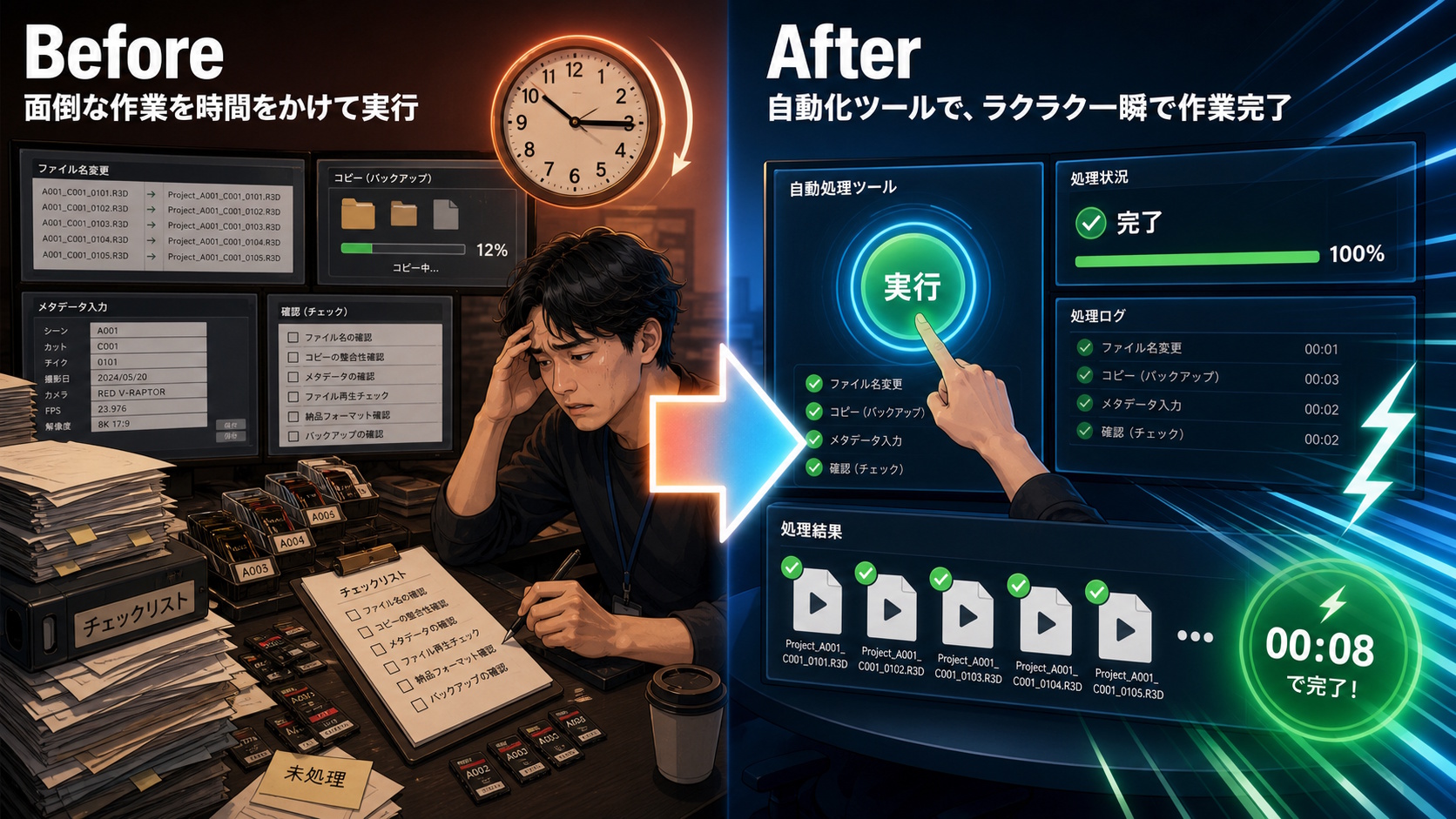
- Workflow automation using Silverstack scripting
- Automation with Python scripting in DaVinci Resolve
- Custom automation tools tailored to specific production workflows
AMF and FDL metadata can be leveraged to automate color pipeline and framing configurations, reducing manual setup while improving consistency across the production workflow.
Color Pipeline for Background Content
For ICVFX background content, it is important to use scene-referred imagery with as much dynamic range as possible. Any color correction or grading should also be performed within a properly managed color pipeline that preserves scene-linear image data throughout the process.
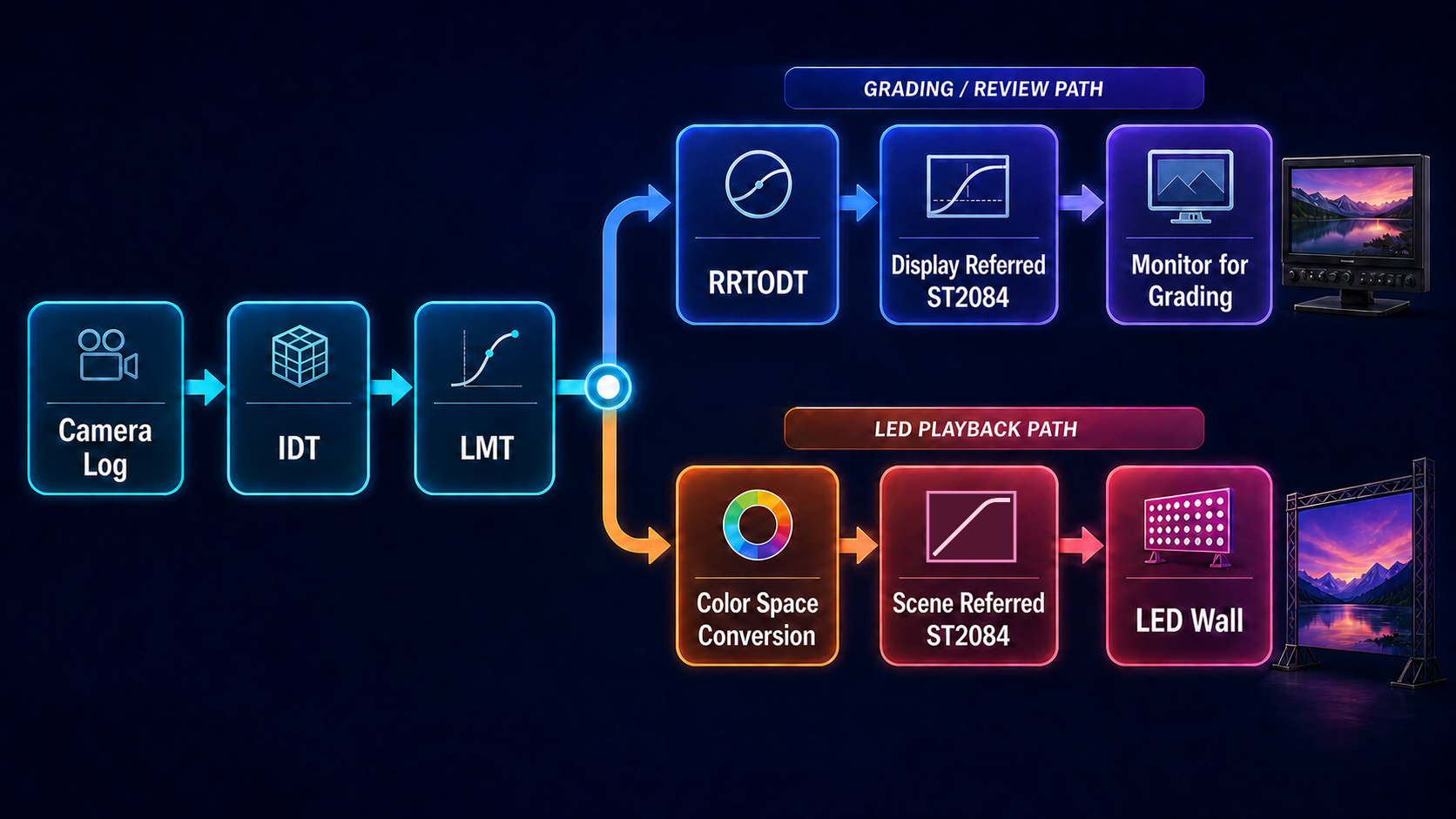
- Understanding the principles of color management for LED systems
- Understanding the color pipeline described above
- Selecting and configuring the appropriate color space for color correction and grading
- Understanding best practices for highlight handling
Properly prepared background content directly improves ICVFX image quality. We help you build a reliable workflow for preparing, grading, and delivering that content.
Design and Setup of HDR/SDR Viewing Environments
In HDR production, a mismatch at any point in the chain—from the camera and LUTs to signal distribution and monitor settings—can create a difference between the on-set image and the final result. We design viewing environments that display HDR and SDR correctly at the same time, tailored to the equipment and workflow used by each production.
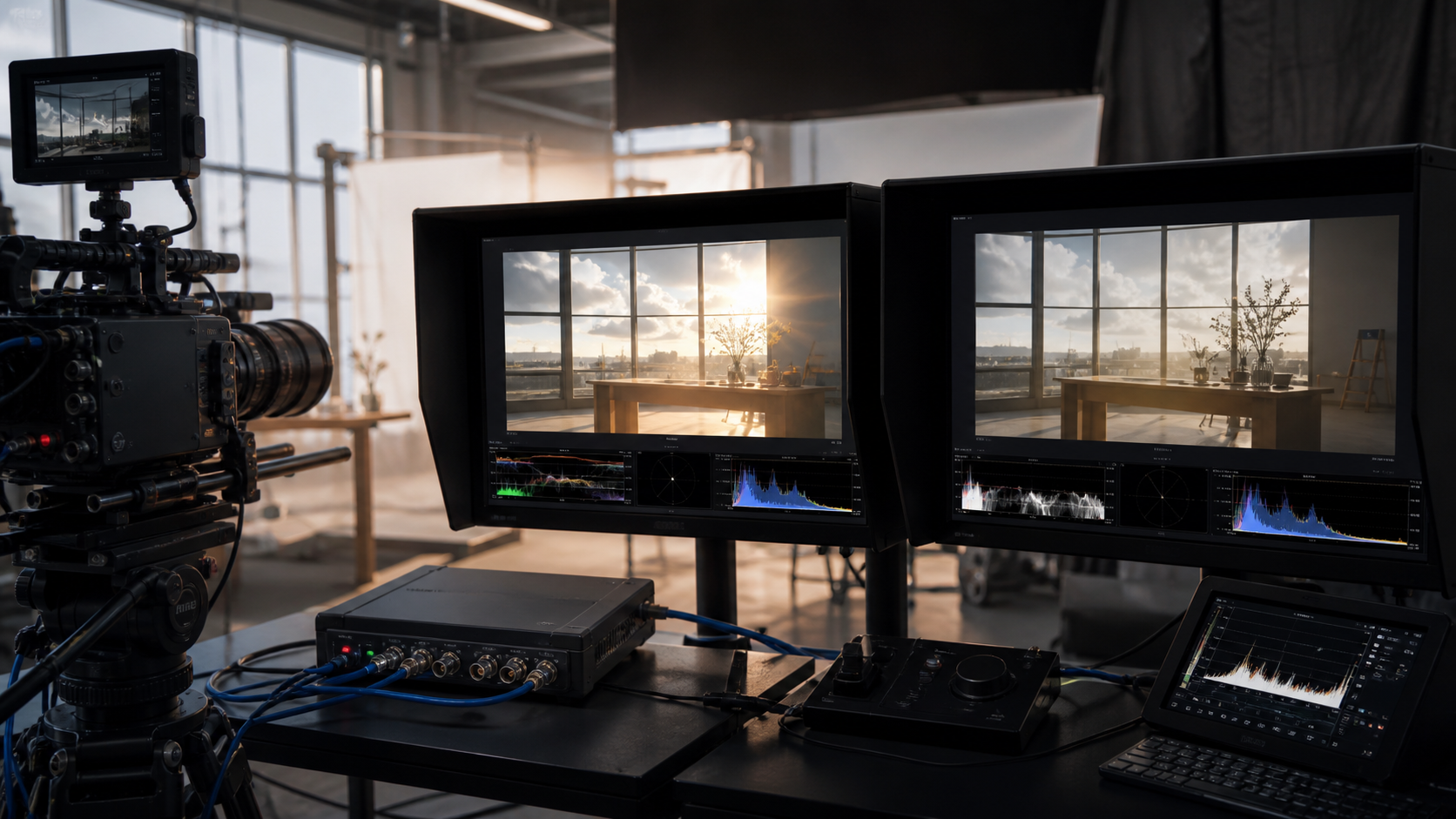
- Define the signal path from Camera Log through HDR/SDR monitoring
- Recommend an optimal setup for LUT boxes, monitor LUTs, and signal distribution
- Provide alternative workflow options when Camera Log output is not available
Based on the on-set equipment and operating requirements, we compare approaches such as generating HDR and SDR separately from the Camera Log signal or deriving SDR from the HDR signal. We then select a configuration that balances image quality with practical operation.
Matching Color and Exposure Across Multiple Cameras
CMT: Camera Matching Transform
When different camera models or individual camera bodies are used together, differences in color and exposure can remain visible through editorial, VFX, and grading—even when the same subject is photographed under the same conditions. We analyze color charts captured by each camera and create a Camera Matching Transform that compensates for those differences.
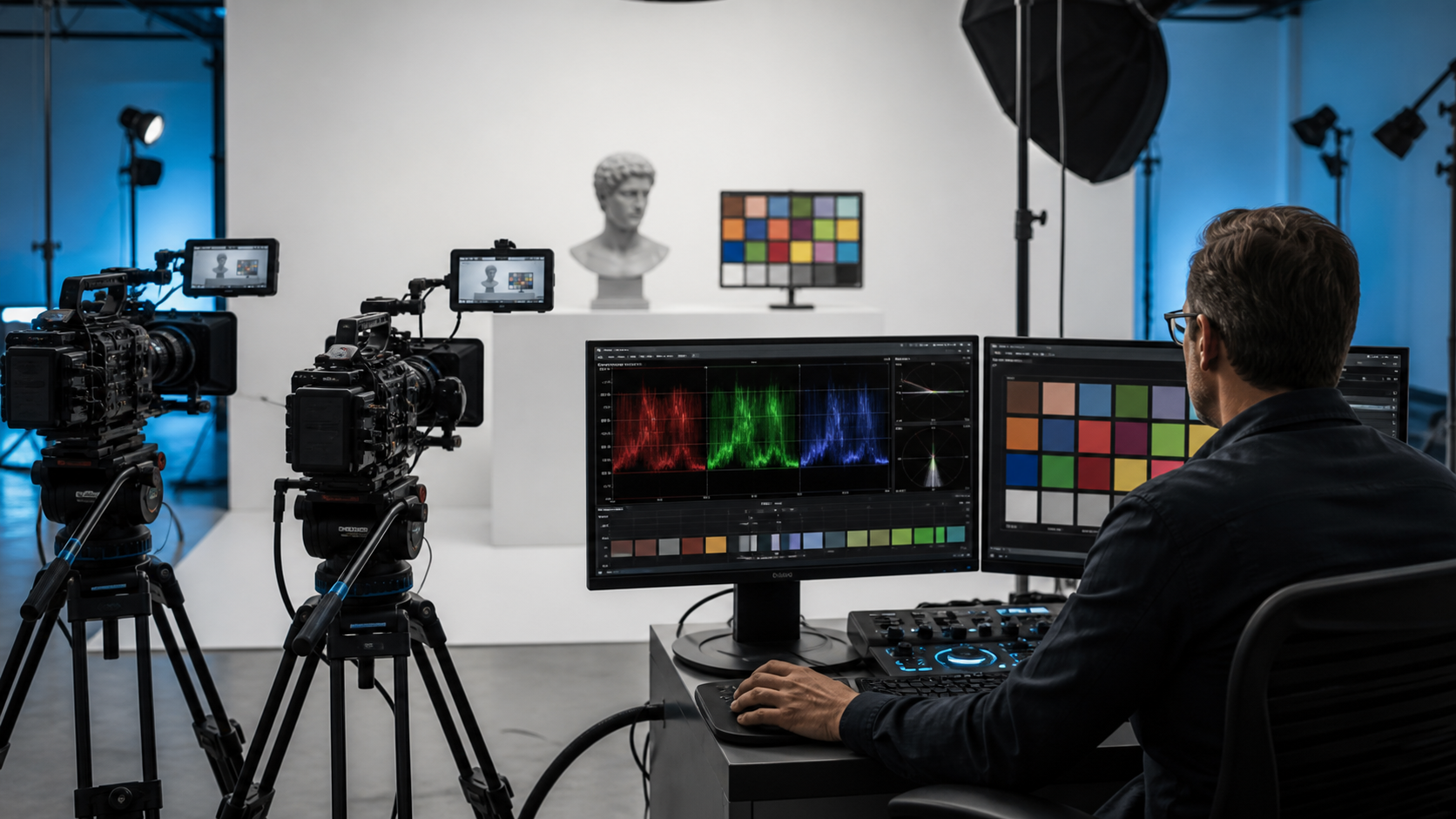
- Measure differences in exposure, color, and tonal response across multiple cameras
- Create a matching transform that can be incorporated into the on-set Viewing LUT
- Apply a consistent approach across dailies, editorial proxies, VFX, and grading
Establishing a reliable camera-matching baseline during testing reduces the need to compensate for camera differences during production and minimizes corrective work in post-production.
ICVFX Color Management
ICVFX involves many elements that require carefully designed and implemented color management—including LED wall calibration, preparation and on-set grading of LED content, camera output, and the color pipeline for on-set monitoring.
A properly managed color pipeline helps prevent missing or duplicated transforms, ensuring that the intended color is maintained throughout the workflow and captured with consistent, high-quality results.
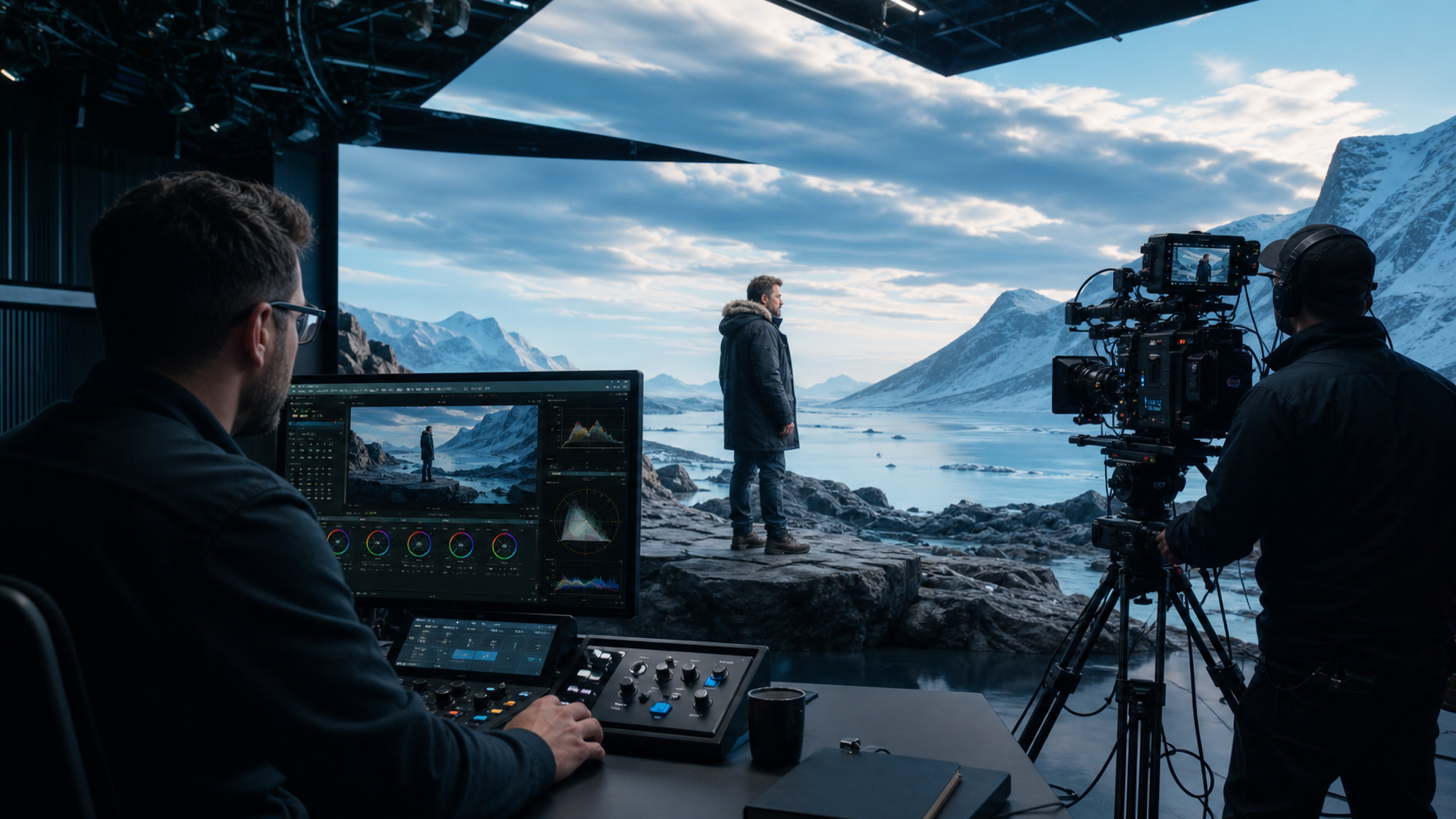
- Background content preparation: Design the color pipeline from source content through final display on the LED wall
- LED wall setup: Configure the target color space, calibrate the LED wall, and perform validation measurements
- Camera monitoring: Design SDR and HDR monitoring pipelines, including the appropriate LUT-based transforms for camera output
- Camera-through calibration: Match the color of the original background content with the color captured and processed through the camera
We also help establish practical guidelines across shooting, VFX, and post-production, ensuring that all teams share the same color standards and workflow expectations from pre-production onward.
ACES Color Pipeline Design for DaVinci Resolve and Baselight
ACES is not a system that can be fully implemented simply by enabling a few settings. A successful ACES workflow requires a consistent approach to color transforms across the entire production—from camera originals and existing Rec. 709 assets to VFX interchange and final HDR/SDR delivery.
The key is to clearly define the role of each transform and ensure that every stage of the pipeline works together as a coherent, end-to-end color workflow.
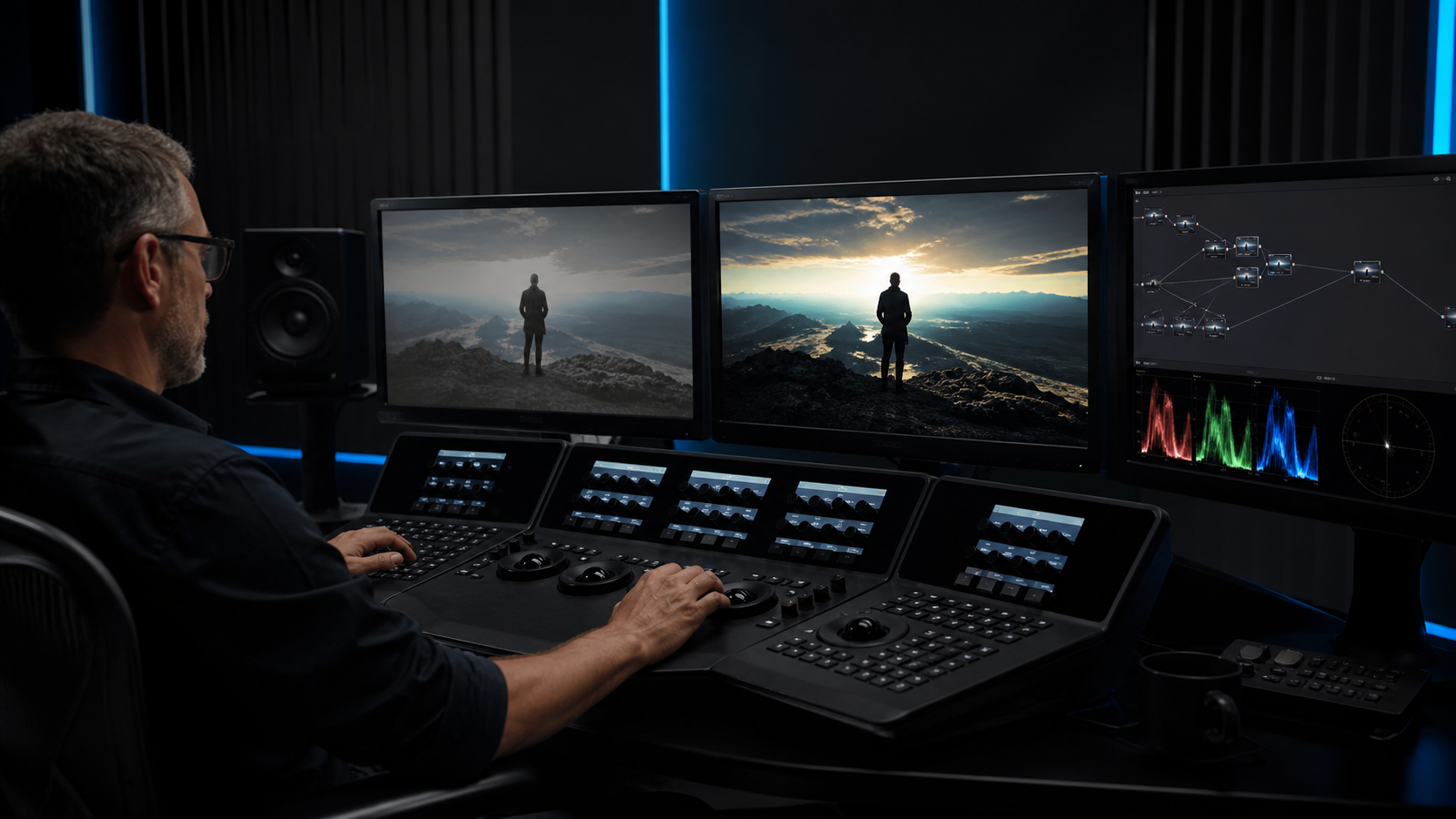
- ACES project setup and configuration in DaVinci Resolve and Baselight
- Workflow design for projects combining Camera Log, Rec. 709, CG, and VFX material
- Practical guidance and best practices for HDR grading, including key considerations for Dolby Vision trim passes
- Documentation and training designed to help teams understand not only the settings, but also the reasoning and underlying color processing behind them
Beyond standard configurations, we design workflows tailored to the specific needs of each production—whether that means integrating existing material naturally into an ACES pipeline or leveraging Baselight’s DRT within an ACES-based workflow.
Our goal is not simply to provide the right settings, but to ensure that your team understands why they work and can confidently reproduce and adapt the workflow for future productions.
Custom IDT Development for Blackbox Cameras
For cameras without an appropriate manufacturer-provided IDT, or when a standard IDT leaves noticeable color differences compared with the main camera, a custom IDT derived from actual camera measurements can provide a more accurate and consistent color match.
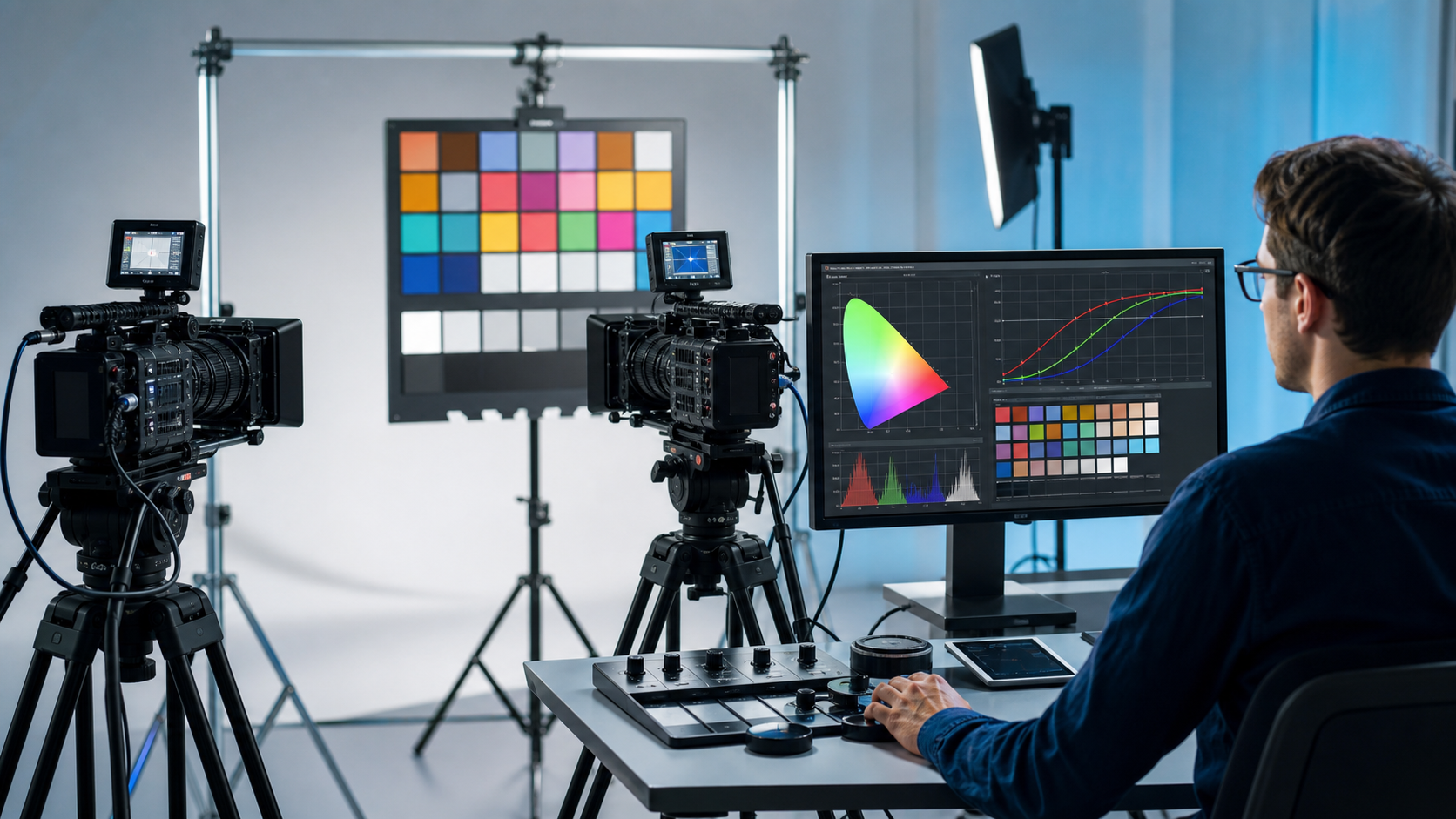
- Capture a Macbeth ColorChecker with both the main camera and the target camera under identical lighting and shooting conditions
- Analyze color differences and tonal response from the captured color chart data
- Develop and validate a Custom IDT for accurate conversion into ACES
- Verify skin tones, saturation, and highlight reproduction using real-world camera footage
If properly captured Macbeth ColorChecker footage meeting the required conditions is available, we can develop a Custom IDT tailored to your camera and production requirements.
For teams that need to create Custom IDTs or CMTs on an ongoing basis, we can also provide dedicated Custom IDT creation tools, together with the workflow, methodology, and guidance needed to use them effectively.
Color Pipeline Automation with AMF
Color decisions made during on-set grading or pre-grading—such as CDL values, Show LUTs, and color transforms—often need to be carried across multiple stages of production. Reconfiguring these settings manually at each stage is not only time-consuming, but also increases the risk of errors and inconsistencies.
By leveraging the ACES Metadata File (AMF), clip-specific color information can be reliably carried forward to downstream workflows, helping preserve the intended color pipeline throughout the production.
- Record on-set CDL values, LMTs, and Show LUTs in clip-specific AMF files
- Automatically reproduce color pipeline settings during conform in DaVinci Resolve and Baselight
- Utilize AMF metadata to maintain consistent color pipelines for VFX compositing and review
AMF support and implementation vary across software applications. We evaluate the capabilities available in your production environment and recommend the most effective workflow based on the latest support and tools available at the time.
Production-Optimized OpenColorIO Custom Config
Using a generic config as-is can result in too many unnecessary color spaces and display options, making workflows more complex and increasing the risk of setup errors.
We create Custom Configs tailored to your production—from shooting and VFX to grading and delivery—keeping only the necessary functions and integrating production-specific elements such as LMTs and Show LUTs.
- Integrate production-specific LMTs, including Show LUTs, CDLs, and CMTs
- Add custom color spaces where needed to simplify workflow design and configuration
- Streamline available settings and reduce unnecessary UI options to help prevent artist setup and selection errors
Beyond delivering the Custom Config itself, we provide technical guidance on OpenColorIO, help establish practical operating guidelines, and support your team in building the knowledge and processes needed to maintain and update the Custom Config in-house.
Color Management Setup for Nuke and After Effects
Even when using the same OpenColorIO configuration, Nuke and After Effects differ in where color transforms are applied and how color is processed internally.
We clarify the entire color pipeline—from media ingest and compositing to monitoring and final output—so that your team understands exactly where and how each color transform is applied.
- Correctly configure input color spaces and scene-linear transforms for source media
- Set up and manage an appropriate working color space, such as ACEScg
- Properly configure LMTs, including Show LUTs and CDLs
- Configure viewer settings and manage output transforms correctly within the application
Rather than simply providing recommended settings, we explain the color processing that takes place behind them and how each setting affects the pipeline. Our goal is to give your team the understanding needed to diagnose and troubleshoot color issues independently.
Automated Shot-Level Application of CDL and Show LUTs
Manually rebuilding CDL and Show LUT settings for every shot—whether established on set or during match grading—can be time-consuming and prone to missing or incorrect configurations.
By leveraging CDL data embedded in EDLs and metadata carried through AMF, we can build automated workflows that reliably reconstruct the correct color settings for each shot.
- Associate shot names and clip metadata with the correct CDL and Show LUT
- Automatically apply color settings to compositing scripts and templates
- Standardize color transforms across review media, VFX plates, and final deliverables
- Design logging and validation processes to verify processing results
We review your existing naming conventions and production management systems, then design an approach that can be integrated with minimal disruption to your current workflow.
Building a Reliable HDR Review Environment
A reliable HDR review environment requires more than just an HDR-capable monitor. The entire signal chain—including software, video output hardware, signal formats, monitor configuration, and viewing conditions—needs to be properly validated.
We design and configure HDR review environments tailored to the capabilities of your display system and the purpose of the review, providing a trustworthy reference for creative and technical decisions.
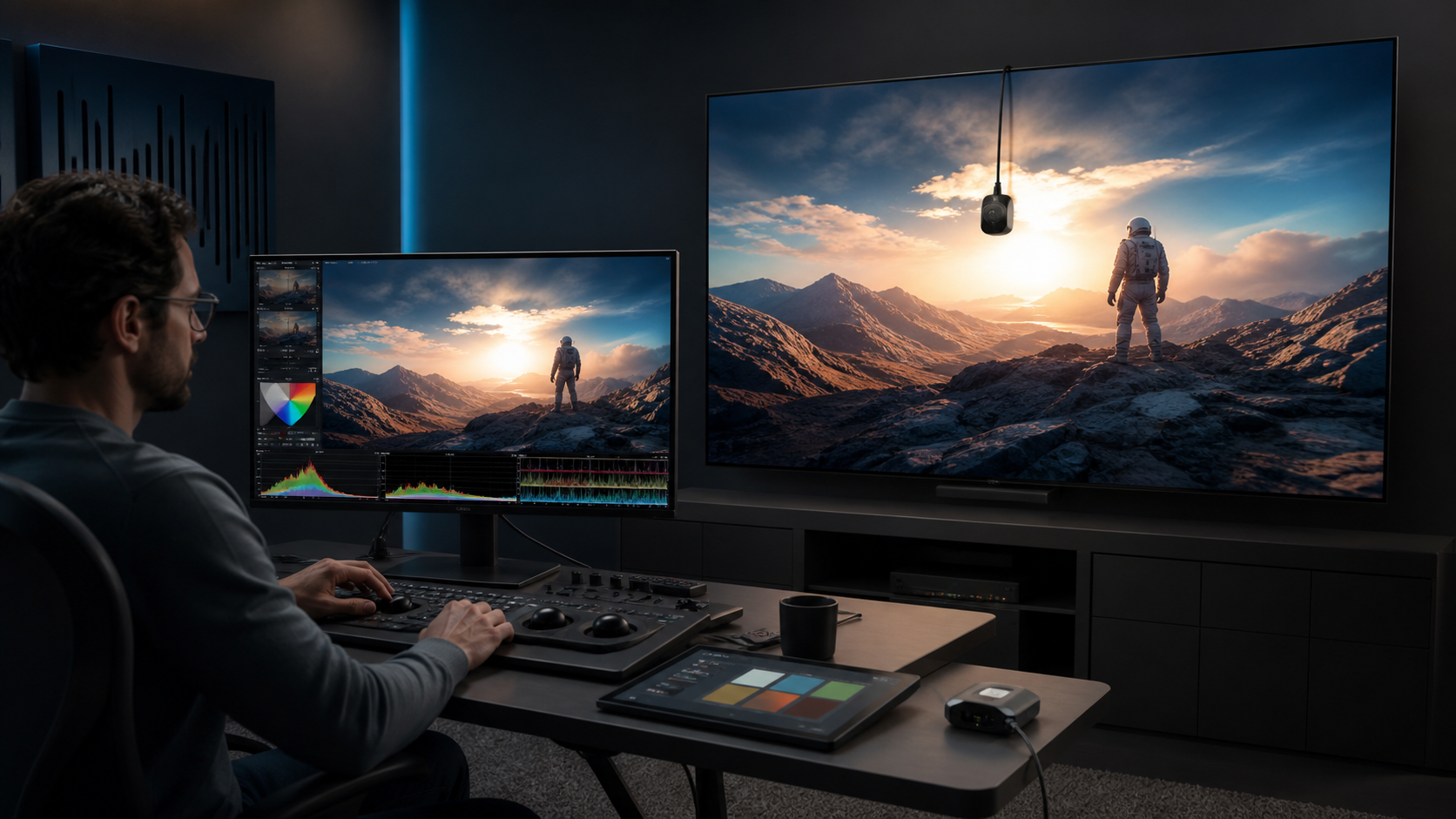
- Verify the HDR signal path, metadata, and signal range settings
- Measure peak luminance, black level, color gamut, and EOTF performance
- Define appropriate roles for reference monitors and consumer Smart TVs within the review workflow
- Establish procedures for calibration and periodic quality verification
We recommend the appropriate level of accuracy and a practical equipment configuration based on the purpose of the review—whether evaluating shots during compositing or reviewing material for client approval.
Image quality evaluation of generated AI video and introduction to production flow
Generative AI images and video may look convincing at first glance, yet reveal issues in fine detail, frame-to-frame consistency, HDR conversion, or after compression. We objectively evaluate whether the results meet the quality requirements for final delivery.
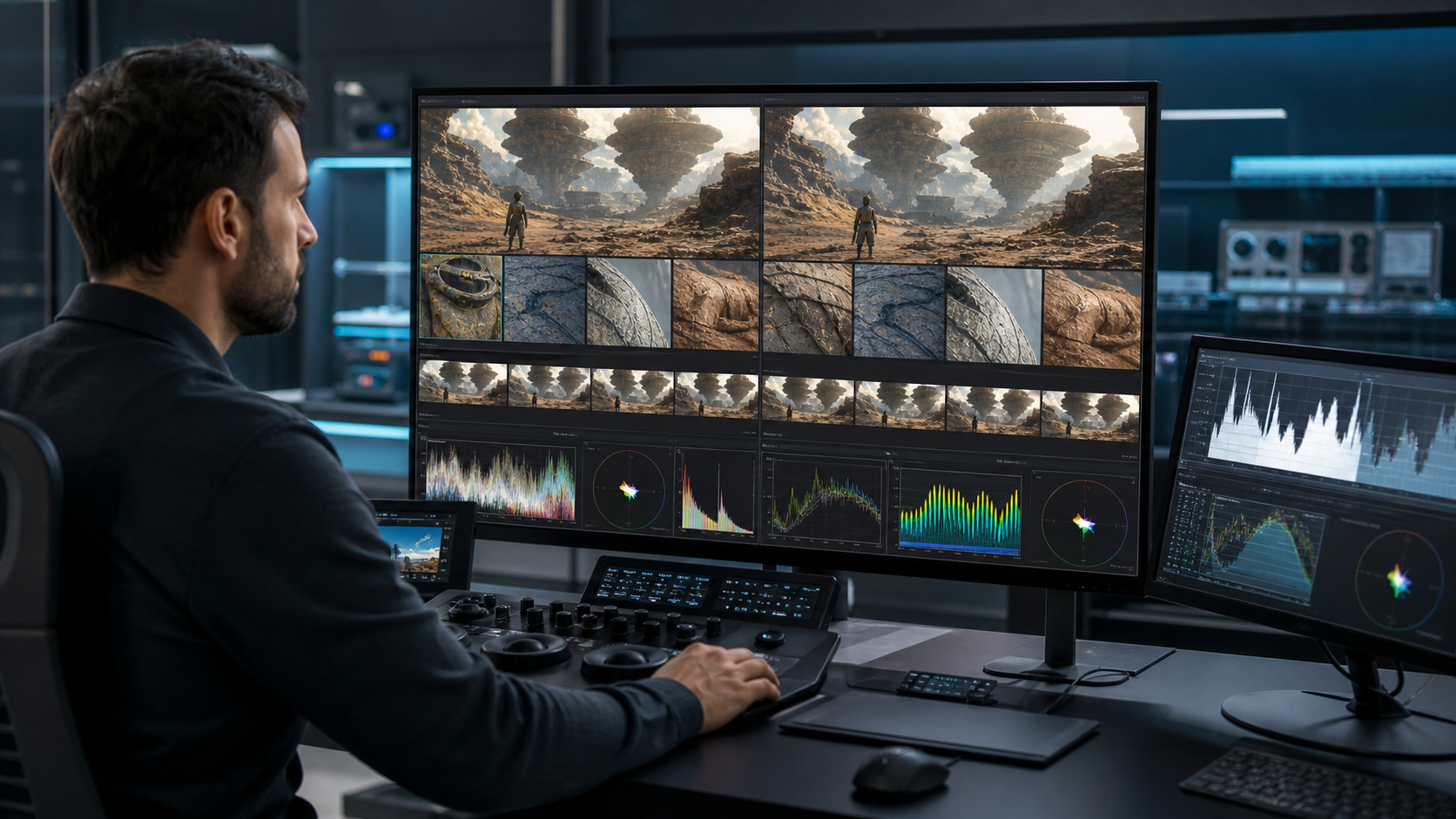
- Quantitatively analyze dynamic range and bit depth
- Compare improvement methods, including pre-processing, post-processing, and upscaling
We evaluate where Generative AI can be used most effectively within the production workflow and what additional processing may be required to meet final delivery requirements, including 4K and HDR.
Deepen Your Understanding of HDR
We offer practical HDR workshops that explain, in clear and accessible terms, what HDR (High Dynamic Range) is, the value it brings to visual storytelling, and the key considerations when working with HDR in production.
Using real-world examples, we help participants understand not only the technical fundamentals of HDR, but also how they translate into actual production workflows and creative decisions.
- What is ST 2084 (PQ), the HDR standard adopted by Netflix?
- What can HDR reproduce that SDR cannot?
- How should HDR be handled across production—from shooting and editorial to VFX and final DI?
- Can SDR content be converted to HDR?
By deepening your understanding of HDR, you can make more informed creative and technical decisions—and take full advantage of HDR to deliver a richer and more compelling viewing experience.
HDR Content Review
By having review QuickTime files rendered in HDR, you can review HDR content on compatible devices such as HDR TVs, MacBooks, and iPads.
We can help establish the appropriate workflow with your DI vendor and assist in setting up a reliable HDR viewing environment for production reviews.
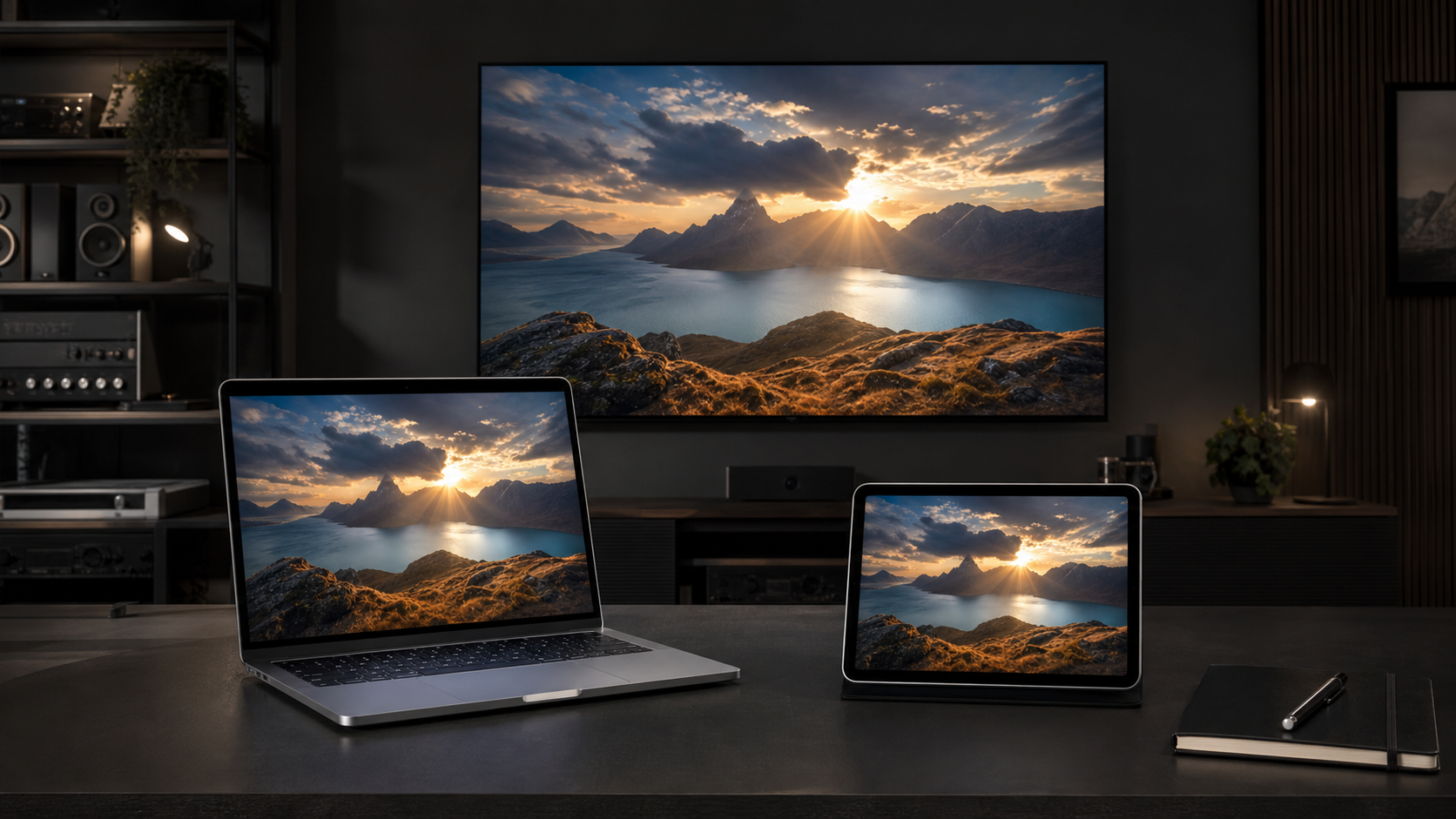
- Creation of Rec. 2020 PQ ProRes review files by the DI vendor
- Verification of HDR TV accuracy and proper HDR configuration for MacBook and iPad
Reviewing content in HDR allows the production team to evaluate images much closer to their final intended presentation, helping identify potential issues earlier and ultimately contributing to a higher-quality final result.
No solutions match your criteria. Try another category or keyword.